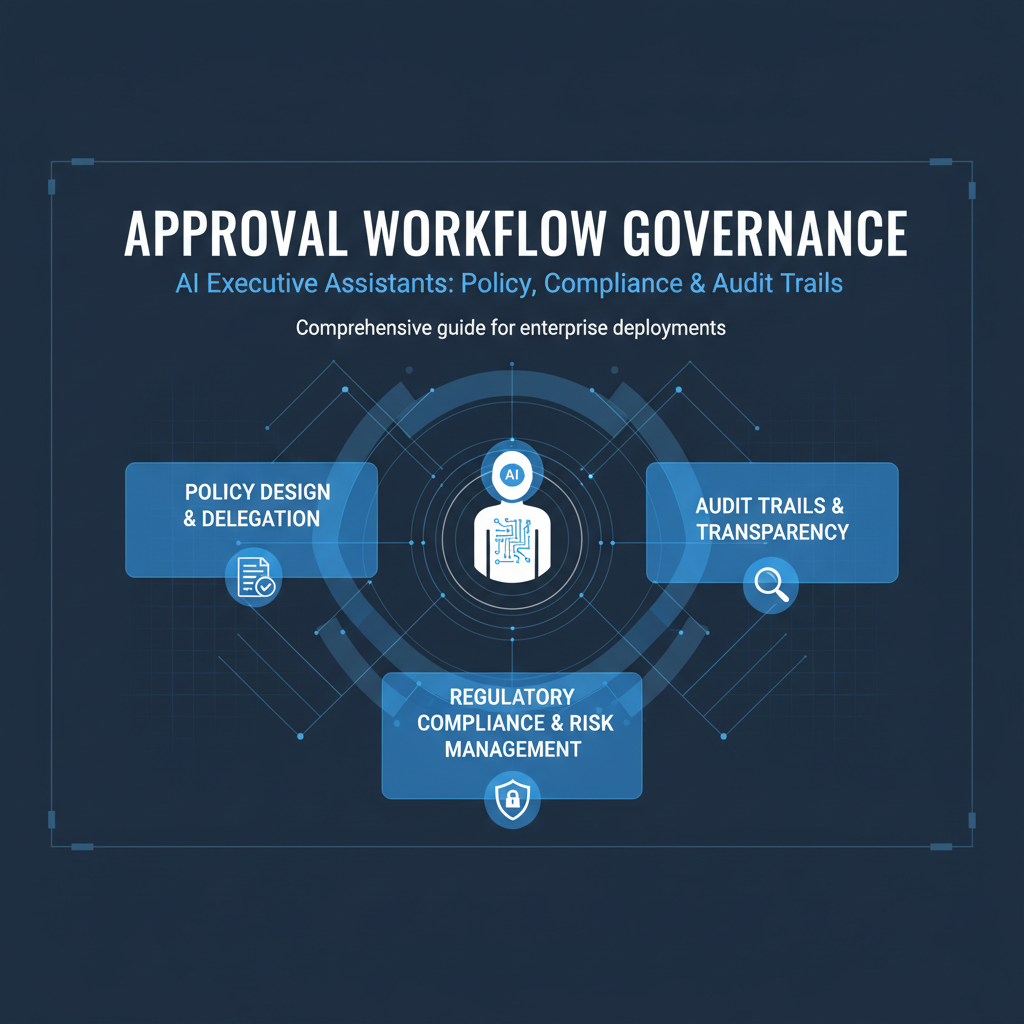
AI executive assistants can automate significant work, but automation without control is risky. Approval workflows ensure you maintain oversight of all AI actions while getting the time savings of automation. This guide covers how approval workflows work, why they matter, and what to look for when evaluating AI assistants.
The promise of AI automation is compelling - save hours daily by automating routine work. But the risk is losing control over what gets sent, scheduled, or communicated. An email sent without your review could damage a relationship. A meeting scheduled incorrectly could waste everyone's time. A message sent to the wrong channel could cause confusion.
Approval workflows solve this by ensuring all AI actions are queued for your review before execution. You maintain control over what gets sent while eliminating the manual work of drafting, scheduling, and coordinating. This balance between automation and control is critical for executive use.
The approval-first model means nothing happens without your sign-off. AI drafts, proposes, and coordinates, but you decide what actually gets executed. This gives you the time savings of automation with the control you need for important communications and decisions.
The approval workflow is simple: AI detects when action is needed, drafts the appropriate response or action, and queues it for your approval. You review everything in one approval dashboard, approve what you want executed, edit what needs changes, and reject what shouldn't happen.
This workflow applies to all AI actions - email replies, meeting scheduling, message sending, task creation, document sharing. Everything is queued for approval, giving you a single place to review and control all AI activity.
The approval queue is prioritized by urgency and importance. Urgent emails appear first, routine items are lower. You can filter by type (email, calendar, message) or by sender to focus on what matters most. This organization makes approval efficient even with many queued items.
A good approval queue helps you review items efficiently. Items are sorted by priority, with urgent and important items first. You can filter by type, sender, or date to focus on specific categories. You can search across the queue to find specific items quickly.
Batch processing is also important. If you have ten routine email replies queued, you should be able to review and approve them all at once, not one by one. This makes approval efficient for routine items while allowing careful review of important ones.
The queue should also show context. For each queued item, you should see why AI proposed it, what context it considered, and what the proposed action is. This context helps you make informed approval decisions quickly.
For executives with assistants or team members who can help with approvals, delegation is important. You should be able to delegate approval authority for certain types of actions or certain senders while maintaining control over important items.
Delegation should be flexible. You might want your assistant to approve routine email replies but want to review all client emails yourself. You might want to delegate calendar scheduling for internal meetings but review all external meeting requests. This flexibility makes delegation useful.
Delegation should also be revocable. You should be able to revoke delegation at any time, and pending approvals should revert to you when delegation is revoked. This ensures you maintain ultimate control.
For enterprise use, compliance is critical. All AI actions should be logged with complete audit trails showing what was proposed, who approved it, when it was executed, and what the result was. This audit trail is essential for compliance with regulations and internal policies.
Audit trails should be comprehensive. They should log not just approvals and executions, but also rejections and edits. They should show the context AI considered when proposing actions. They should be searchable and exportable for compliance reviews.
Retention is also important. Audit trails should be retained for appropriate periods based on your compliance requirements. Some regulations require 7 years of retention, others require shorter periods. The system should support your specific compliance needs.
Approval workflows should support policies and rules that determine when approval is required versus when actions can be automated. For example, you might want all client emails to require approval, but routine internal team updates can be auto-approved.
These policies should be customizable. You should be able to set rules based on sender, email type, urgency, or other factors. You should be able to adjust policies as you learn what works for your workflow.
Policies should also be hierarchical. Organization-level policies apply to everyone, but you should be able to override them with personal policies when needed. This balance ensures consistency while allowing personalization.
Not all AI actions have the same risk level. Sending an email to a key client has higher risk than archiving a newsletter. Scheduling an important meeting has higher risk than scheduling a routine team sync. Approval workflows should account for these risk differences.
High-risk actions should always require approval, no matter what policies are set. The system should identify high-risk actions based on sender importance, content sensitivity, or other factors, and ensure they're always reviewed.
Lower-risk actions might be eligible for auto-approval based on your policies. Routine newsletters can be archived automatically. Standard meeting confirmations can be sent automatically. This risk-based approach maximizes automation while maintaining control where it matters.
Consider a scenario where you receive an email from a key client asking about a contract renewal. This is high-risk communication that requires your personal attention. The AI drafts a response, but it's queued for your approval with high priority. You review it carefully, make edits to ensure it's perfect, and approve it. The email is sent with full audit trail.
Now consider a routine team update email that just needs acknowledgment. This is lower-risk communication. Based on your policies, the AI might auto-approve this type of email, or it might still queue it but with lower priority. You can review it quickly and approve, or if your policies allow, it might be sent automatically.
This risk-based governance ensures important communications get careful review while routine items are handled efficiently. You maintain control over what matters while maximizing automation for routine work.
When evaluating AI assistants for approval workflows, look for solutions that give you comprehensive control. All actions should be queued for approval, with no autonomous execution of important communications. The approval queue should be well-organized and efficient to use.
Ensure the system supports delegation if you need it. You should be able to delegate approval authority flexibly while maintaining control over important items. Delegation should be easy to grant and revoke.
Verify that audit trails are comprehensive. All actions should be logged with complete context, and logs should be retained appropriately for your compliance needs. You should be able to search and export audit logs easily.
Finally, confirm that policies and rules are customizable. You should be able to set approval rules based on your preferences, adjust them over time, and override them when needed. This flexibility makes the system more useful.
If you're evaluating AI assistants, approval workflows should be a core requirement. Look for solutions that queue all actions for approval, provide efficient approval interfaces, and maintain comprehensive audit trails.
Start by setting conservative approval policies - require approval for everything initially. As you gain confidence in the AI's capabilities, you can adjust policies to allow more automation for routine items while maintaining approval requirements for important communications.
The goal is to maximize automation while maintaining control. Good approval workflows give you the time savings of automation with the control you need for important work. This balance is essential for executive use of AI assistants.
Alyna provides comprehensive approval workflows with flexible policies, delegation options, and complete audit trails. Maintain full control over all AI actions while maximizing automation for routine work.