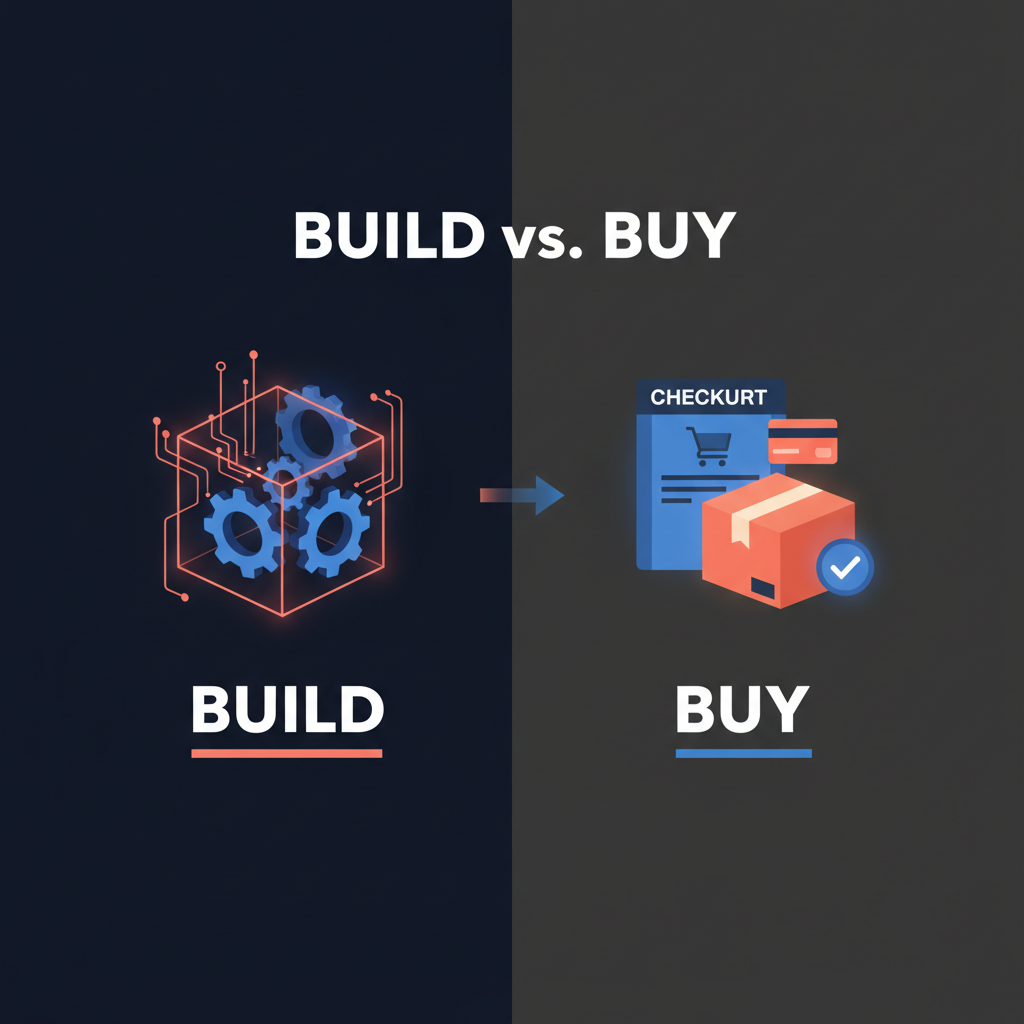
The question isn’t whether to use an AI executive assistant - it’s whether to build one or buy one. The data is sobering: only 6% of organizations report meaningful bottom-line impact from AI investments despite massive spending, and 94% of companies fail at production deployment. Building sounds like control and customization; in practice it often means 14–28 weeks of development, 40–90 hours per month in ongoing operations, and a high chance your project never gets past the demo. This guide lays out when to build, when to buy, and how an off-the-shelf approval-first assistant like Alyna fits the “buy” path.
Build means you design, develop, and operate your own AI assistant - integrations, prompts, reliability, and security are on you. Buy means you use a product that already handles email triage, calendar coordination, meeting briefs, and drafting with approval workflows and audit trails.
The core trade-off: build gives maximum customization and no per-seat vendor lock-in; buy gives speed, proven reliability, and compliance without hiring a dedicated team. For most executives and teams, the “buy” path wins unless AI is your core product and you have 6+ months and dedicated engineering.
Research from 2024–2026 consistently shows that a large share of AI initiatives never reach production. In one analysis, 42% of companies scrapped AI initiatives in 2024 (up from 17% the prior year), and 70% of enterprises fail to quantify clear value from AI despite heavy investment. The “hidden iceberg” is real: teams underestimate build timelines by 2–3x and discover too late that prototypes don’t match production needs - reliability, security, evaluation, and data pipelines are the hard part.
When the goal is an executive assistant (email, calendar, briefs, drafting, approval), the bar is high: it must work with your tools (Gmail, Outlook, Slack, Teams), respect permissions, and never send or schedule without explicit approval. Building that to a production standard - with monitoring, model updates, and compliance - typically requires 14–28 weeks with an experienced team and 40–90 hours per month (~0.5–1 FTE) ongoing for operations, according to build-vs-buy analyses from Assisters and similar frameworks. Most organizations don’t have that capacity for an internal tool.
Build makes sense when:
- AI is a core differentiator for your product or service, not an internal productivity tool.
- You have 6+ months and dedicated engineering - at least 1–2 engineers for 6+ months for initial build, plus 0.5–1 FTE for ongoing maintenance.
- You need deep, proprietary behavior - custom models, unique retrieval, or workflows that no vendor supports.
- You can own the full stack - infrastructure, security, compliance, and evaluation - and accept 40–90 hours/month in ops.
If those conditions don’t hold, building usually delays value and increases risk. The consensus in 2026: buy unless you have 6+ dedicated engineers and 12+ months for feature parity.
Buy makes sense when:
- AI is not your core product - you want leverage for email, calendar, and meetings, not a platform to sell.
- You need to be live in 1–3 months, not 6–12.
- You have limited AI/ML capacity - no spare engineers for model updates, vector DBs, and security.
- Standard customization is enough - integrations with Slack, Teams, Gmail, Outlook, approval workflows, and audit trails. For roughly 90% of executive-assistant use cases, platform customization is sufficient.
Buying gets you time-to-value in days to weeks: connect your tools, set approval rules, and start using daily briefs, draft replies, and meeting prep. You avoid the iceberg of production reliability, security, and compliance that sinks most build projects.
Not all “buy” options are equal. For an executive assistant, you need:
- Approval-first workflows - nothing sends, books, or changes state without your review. No autonomous sends.
- Full audit trail - who approved what, when, and from which context. Essential for compliance and trust.
- Integrations that match how you work - email, calendar, Slack/Teams, and optionally voice.
- Ongoing security and compliance - vendor handles updates, access control, and data handling.
Alyna is built around this model: draft-first, approve-then-send, with full receipts. That’s the “buy” path that avoids the risks of both building from scratch and using tools that act without explicit approval.
| Path | Typical timeline to production | Ongoing effort | Best for |
|---|
| Build | 14–28 weeks (with experienced team) | 40–90 hrs/month (~0.5–1 FTE) | Core product, 6+ months, dedicated eng |
| Buy | 1–4 weeks to integrate and adopt | Part-time config and training | Internal leverage, speed, compliance |
High-performing organizations often invest 3–5x more in governance and change management than in the technology itself - whether they build or buy. So even when you buy, plan for rollout, policies, and adoption, not just tool setup.
If you’re in the “buy” camp:
- Define must-have use cases - e.g. daily brief, email drafts, meeting prep, calendar coordination - and confirm the product supports them with approval steps.
- Check integrations - Gmail/Outlook, Slack/Teams, calendar. Alyna works across these with one approval queue.
- Verify audit and compliance - audit trail, data handling, and any certifications (e.g. SOC 2) that matter to you.
- Start with a pilot - one executive or a small team, then expand once you’ve validated time savings and control.
The goal isn’t to replace judgment - it’s to offload coordination and drafting so you can focus on the work that only you can do. For most teams, that’s a “buy” decision: explore Alyna as your AI chief of staff and get live in weeks, not quarters.
Alyna is an AI executive assistant that works across Slack, Teams, email, and calendar with approval-first workflows and full audit trails. Get access and avoid the build iceberg.