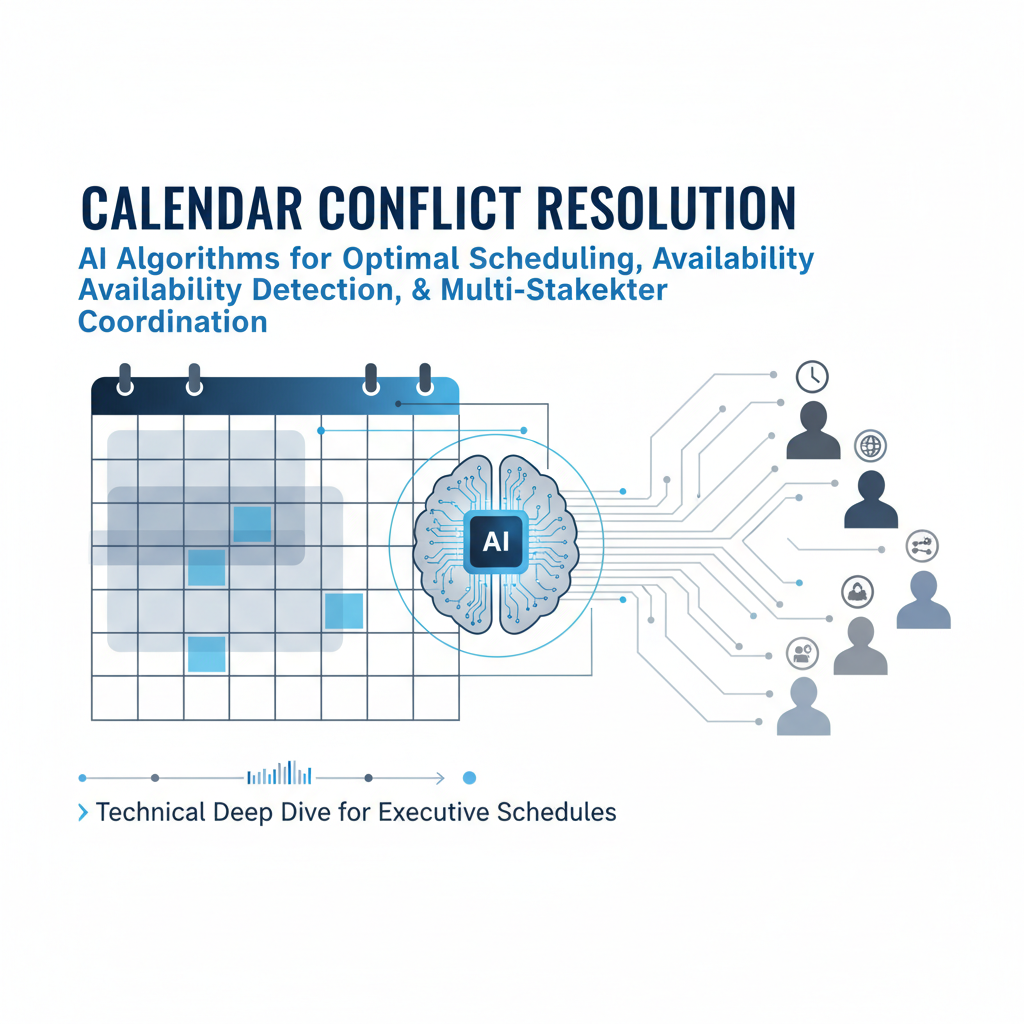
Executive calendars are complex. You have 5-10 meetings daily, coordinate across multiple stakeholders, handle time zone differences, account for travel time, and respect your meeting preferences. Finding optimal meeting times that work for everyone while avoiding conflicts is time-consuming and error-prone.
AI executive assistants solve this by automatically detecting conflicts, finding optimal time slots, and coordinating across multiple stakeholders. Here's how it works and why it matters for busy executives.
Scheduling a meeting isn't just about finding an open slot on your calendar. You need to check availability for all attendees, account for time zones if participants are in different locations, leave buffer time between meetings, respect your preferred meeting times, and avoid overcommitting your day. For a meeting with 5 stakeholders across 3 time zones, this can take 15-20 minutes of back-and-forth emails.
The problem compounds with meeting volume. Ten meetings per week means ten scheduling workflows, each potentially involving multiple stakeholders and time zones. That's hours of coordination work weekly, and it's easy to create conflicts, miss optimal times, or inconvenience attendees.
Conflicts are particularly problematic. Double-booked meetings waste everyone's time. Meetings scheduled too close together don't leave time for travel or preparation. Overcommitted days leave no time for deep work or unexpected priorities. These scheduling problems reduce productivity and create stress.
AI assistants automatically check your calendar for conflicts before proposing meeting times. When a meeting request arrives, AI analyzes your existing calendar events, identifies potential conflicts, and proposes times that avoid them. It considers not just direct conflicts (two meetings at the same time) but also buffer conflicts (meetings too close together) and overcommitment (too many meetings in one day).
The AI also checks attendee availability across all stakeholders. It looks at everyone's calendars to find times when all participants are free. This eliminates the back-and-forth of "does this time work?" emails. AI proposes times that work for everyone from the start.
This conflict detection happens automatically and in real-time. When you receive a meeting request, AI has already analyzed conflicts and availability before proposing times. You're not starting from scratch - AI has done the coordination work for you.
Beyond just avoiding conflicts, AI finds optimal meeting times based on multiple factors. It considers your meeting preferences - do you prefer morning meetings or afternoon? Do you like longer blocks for certain types of meetings? It accounts for your schedule patterns - are you typically more available on certain days?
The AI also optimizes for attendee preferences when possible. If it knows that certain stakeholders prefer morning meetings, it prioritizes morning slots. If it detects that your team typically meets on certain days, it suggests those days for team meetings. This optimization makes meetings more convenient for everyone.
Time zone handling is particularly important for executives who work with global teams. AI automatically converts proposed times to each attendee's local time zone, ensuring everyone understands when the meeting is in their time. It also finds times that work during business hours for all participants, avoiding early morning or late evening meetings when possible.
Coordinating meetings across multiple stakeholders is where AI really shines. Instead of sending "does this time work?" emails to five people and waiting for responses, AI checks everyone's calendars simultaneously and proposes times that work for all participants.
When stakeholders have conflicting schedules, AI finds the best compromise. It might propose three time options, ranked by how well they work for everyone. It might suggest moving a lower-priority meeting to accommodate a higher-priority one. It handles the coordination complexity automatically.
This coordination also handles stakeholder preferences. If certain attendees are more flexible, AI might optimize the time for less flexible participants. If some stakeholders have recurring commitments, AI avoids those times. The goal is finding times that work well for everyone, not just times that are technically available.
Executive schedules need buffer time between meetings for travel, preparation, and unexpected priorities. AI automatically accounts for this when scheduling. It doesn't just find open slots - it ensures adequate buffer time before and after meetings.
The AI also respects your meeting preferences. If you prefer 30-minute meetings for 1-on-1s but 60-minute meetings for team discussions, AI proposes durations accordingly. If you like to keep certain times blocked for deep work, AI avoids scheduling meetings during those times.
These preferences can be customized based on your patterns. AI learns when you typically schedule certain types of meetings and suggests similar times. It learns which stakeholders you meet with frequently and optimizes for those relationships. This personalization makes scheduling more efficient over time.
When conflicts do occur, AI handles them intelligently. If a proposed meeting time conflicts with an existing commitment, AI automatically finds alternative times and proposes them. If the conflict is with a lower-priority meeting, AI might suggest rescheduling that meeting to accommodate the new one.
For conflicts that require your decision, AI presents the options clearly. It shows what conflicts exist, why they occurred, and what the resolution options are. You can choose to reschedule the existing meeting, find a different time for the new meeting, or decline the new meeting request.
This conflict resolution happens proactively. AI detects potential conflicts before they become problems and proposes solutions automatically. You're only involved when your decision is needed, not for routine conflict resolution that AI can handle.
Consider a typical scenario: you receive a meeting request for a quarterly business review with your leadership team. The request comes via email, and you need to coordinate with six stakeholders across three time zones. Without AI, this would involve multiple rounds of emails checking availability, proposing times, and resolving conflicts.
With AI, the workflow is seamless. AI receives the email request, checks all six stakeholders' calendars simultaneously, accounts for time zone differences, finds three optimal time slots that work for everyone, and drafts an email response proposing those times. It also creates a tentative calendar event and prepares meeting materials.
You review the proposed times and email in your approval queue. If the times work, you approve with one click. AI sends the email to all stakeholders, creates the calendar event, and coordinates any necessary rescheduling of conflicting meetings. The entire coordination happens automatically after your single approval.
For executives who schedule 20-30 meetings monthly, this saves 5-10 hours monthly just on scheduling coordination. But the real value is better meetings - times that work well for everyone, no conflicts, and adequate preparation time.
Recurring meetings add another layer of complexity. Weekly team meetings, monthly board meetings, quarterly reviews - these need to be scheduled consistently while avoiding conflicts with one-time meetings. AI handles this by recognizing recurring patterns and maintaining consistency.
When you have a recurring meeting series, AI learns the pattern and ensures future occurrences are scheduled appropriately. If a one-time meeting conflicts with a recurring meeting, AI might suggest rescheduling the one-time meeting to preserve the recurring series. This maintains meeting consistency while handling exceptions.
AI also handles modifications to recurring meetings intelligently. If you need to skip one occurrence, AI can handle that without affecting the series. If you need to change the time for all future occurrences, AI can propose and execute that change across the entire series.
For executives working with global teams, time zone coordination is critical. A meeting that works at 2pm your time might be 11pm for a colleague in another time zone. AI automatically handles these conversions and finds times that work during business hours for all participants.
The AI also accounts for daylight saving time changes, which can shift meeting times unexpectedly. It tracks these changes and adjusts meeting times automatically to maintain consistency. This prevents the common problem of meetings shifting by an hour due to DST changes.
When coordinating across multiple time zones, AI finds the best compromise. It might propose times that are slightly outside ideal hours for some participants but work reasonably for everyone. It presents times in each participant's local time zone so everyone understands when the meeting is for them.
When evaluating AI assistants for calendar management, look for solutions that handle complete scheduling workflows, not just conflict detection. The assistant should check availability, propose optimal times, coordinate with stakeholders, and handle conflicts automatically.
Ensure the assistant respects your preferences and patterns. It should learn your meeting preferences, account for buffer time, and optimize for your schedule patterns. This personalization makes the assistant more useful over time.
Verify that the assistant handles multi-stakeholder coordination intelligently. It should check everyone's calendars simultaneously, find times that work for all participants, and handle time zones automatically. This eliminates the back-and-forth of traditional scheduling.
Finally, confirm that you maintain control. All meeting proposals should be queued for your approval. You should be able to override AI suggestions, customize preferences, and handle exceptions manually when needed. The goal is intelligent assistance, not autonomous scheduling.
If you're spending significant time on calendar coordination, AI-assisted scheduling can help. Start by connecting your calendar and allowing the AI to analyze your scheduling patterns. The AI will begin proposing optimal meeting times automatically.
As you use the system, provide feedback on proposed times. If AI suggests times that don't work well, let it know. The AI learns from your feedback and improves its suggestions over time. Soon, AI will propose times that work well for you and your stakeholders consistently.
The goal is to eliminate the manual work of calendar coordination while ensuring meetings are scheduled optimally. Good calendar management makes you more efficient without making you less available for important meetings.
Alyna handles complex calendar scheduling automatically, detecting conflicts, coordinating across stakeholders, and finding optimal meeting times. Save 5-10 hours monthly on scheduling coordination while ensuring better meeting times for everyone.