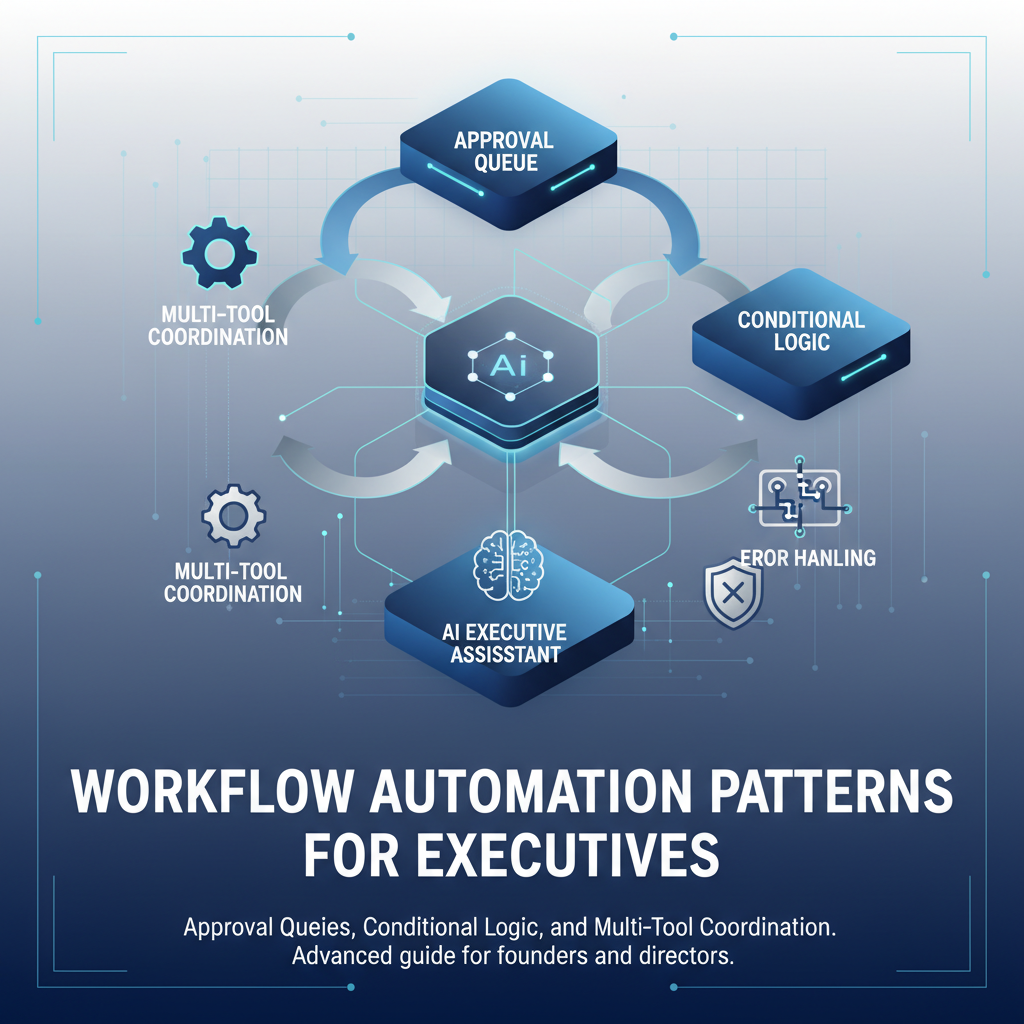
As an executive, your work isn't single actions - it's complex workflows. A meeting request becomes a calendar event, email confirmation, Slack notification, and meeting prep. A phone call generates notes, action items, follow-up emails, and task creation. These multi-step workflows are time-consuming to manage manually.
AI executive assistants automate these workflows while maintaining your control. Here's how it works in practice and why it matters.
Most executive tasks involve multiple steps across different platforms. When you receive a meeting request via email, you need to check your calendar, propose times, send confirmation emails, notify your team in Slack, and prepare for the meeting. Each step requires manual work, and it's easy to miss a step or create inconsistencies.
The problem compounds with volume. Ten meetings per week means ten workflows, each with 5-7 steps. That's 50-70 manual coordination steps weekly, taking 2-3 hours of your time. And that's just meetings - add email follow-ups, action items from calls, and multi-channel communications, and you're spending 5-10 hours weekly on coordination alone.
AI assistants solve this by automating entire workflows while keeping you in control. Instead of manually executing each step, you review and approve the complete workflow once, and AI handles the coordination across all platforms.
The core principle is simple: AI detects when a workflow is needed, drafts all the required actions, queues them for your approval, and executes them across platforms after you approve. You maintain control at every step, but you eliminate the manual coordination work.
For example, when a meeting request arrives via email, AI doesn't just draft a reply. It checks your calendar for availability, proposes optimal time slots, drafts the email response, prepares a calendar event, and drafts a Slack notification. All of this is queued in your approval dashboard. You review once, approve, and AI executes across email, calendar, and Slack simultaneously.
This approval-first model ensures you control what gets sent while eliminating the manual work of coordination. You're not automating away your judgment - you're automating away the repetitive coordination tasks that don't require executive decision-making.
Here's how a typical meeting request workflow works with AI automation. Someone emails you asking to schedule a quarterly review meeting. Without AI, you'd manually check your calendar, propose times, send emails back and forth, create the calendar event, and notify your team. This takes 10-15 minutes per meeting.
With AI automation, the workflow becomes seamless. AI receives the email, analyzes your calendar for the next two weeks, identifies three optimal time slots that work for both parties, and drafts an email response proposing those times. It also prepares a tentative calendar event and drafts a Slack message for your team channel. All of this appears in your approval queue.
You review the proposed email, calendar event, and Slack message in one place. If the times work, you approve with one click. AI then sends the email, creates the calendar event, and posts in Slack. If you want different times, you edit and approve. The entire workflow is handled in 2-3 minutes instead of 10-15.
For executives with 20 meetings per month, this saves 2.5-4 hours monthly just on meeting coordination. But the real value is consistency - every meeting gets the same professional treatment, nothing gets missed, and all platforms stay synchronized.
After a meeting ends, there's always follow-up work. You need to send meeting notes, create action items, follow up with attendees, and schedule any necessary follow-up meetings. This typically takes 15-20 minutes per meeting if done manually.
AI automates this entire workflow. When your meeting ends (detected from your calendar), AI automatically transcribes the meeting recording if you recorded it, extracts key discussion points and decisions, identifies action items with owners, and drafts a follow-up email summarizing everything. It also creates tasks in your task manager and drafts a Slack summary for your team.
All of this is queued for your approval. You review the meeting notes, action items, and follow-up email. You can edit anything before approving. Once approved, AI sends the email, creates the tasks, posts in Slack, and schedules follow-up meetings if needed.
The time savings are significant - 15-20 minutes per meeting becomes 3-5 minutes of review and approval. For 10 meetings per week, that's 2-3 hours saved weekly. But more importantly, nothing falls through the cracks. Every action item is tracked, every follow-up is sent, and every stakeholder is informed.
Sometimes an email thread reveals that a meeting would be more productive than continued email back-and-forth. AI can detect this pattern and propose scheduling a meeting automatically.
When AI analyzes an email thread and detects that participants are going in circles or that the topic would benefit from a live discussion, it proposes scheduling a meeting. It analyzes the thread to understand the topic, checks everyone's calendar availability, proposes meeting times, and prepares the complete workflow: calendar event, email invitation, and Slack notification.
You review the proposal and approve if it makes sense. AI then executes across all platforms, ensuring everyone is informed and the meeting is properly scheduled. This prevents email threads from dragging on unnecessarily and ensures important discussions happen in real-time when needed.
Not all workflows should be automated the same way. AI assistants use conditional logic to handle different scenarios appropriately. For example, urgent emails from your boss might be prioritized differently than routine newsletters. Meeting requests from key clients might get different treatment than internal team meetings.
This conditional automation means AI adapts its workflow based on context. An urgent email might trigger an immediate Slack notification to you, while a routine email might just be summarized in your daily brief. A meeting request from an important client might propose premium time slots, while an internal meeting might use standard scheduling.
You can customize these conditions based on your preferences. You might want all emails from certain contacts to trigger immediate notifications. You might want all meeting requests to be checked against your preferred meeting times. The AI learns your patterns and applies them consistently.
The real power of workflow automation comes from coordinating across multiple platforms simultaneously. When you approve a meeting, AI doesn't just create a calendar event - it sends email confirmations, posts in Slack, updates your daily brief, and prepares meeting materials. All of this happens automatically after your single approval.
This coordination prevents the fragmentation problem where information exists in one platform but not others. Your calendar shows the meeting, your email has the confirmation, your Slack channel is notified, and your brief includes preparation materials. Everything stays synchronized without manual work.
The coordination also handles conflicts automatically. If a meeting time conflicts with an existing commitment, AI detects it and proposes alternatives. If information is inconsistent across platforms, AI identifies and resolves the inconsistency. You're notified of conflicts that require your decision, but routine conflicts are handled automatically.
Workflow automation must be reliable. If an email fails to send, the entire workflow shouldn't break. If Slack is temporarily unavailable, the workflow should continue with other platforms and retry Slack later. Good AI assistants handle these errors gracefully.
When a step in a workflow fails, AI typically retries automatically with exponential backoff. If retries fail, AI notifies you and suggests manual intervention. Successful steps aren't rolled back unnecessarily - if the calendar event was created but the email failed, AI retries the email without recreating the calendar event.
This error handling ensures workflows complete reliably even when individual platforms have issues. You're only notified when your intervention is needed, not for every transient error that AI can handle automatically.
Workflow automation should adapt to your preferences, not force you to adapt to it. You can customize which workflows are automated, how they're executed, and what conditions trigger them. You can set approval rules that determine when AI can auto-approve routine actions and when it must wait for your review.
For example, you might want all emails from your team to be auto-approved if they're routine updates, but all client emails to require your review. You might want meeting requests to be automatically checked against your calendar, but all meeting confirmations to require your approval. These rules give you control while maximizing automation.
The key is that automation enhances your workflow, not replaces your judgment. You're always in control of what gets automated and how. AI handles the coordination work, but you make the decisions.
When evaluating AI assistants for workflow automation, look for solutions that handle complete workflows, not just individual actions. A good assistant should coordinate across email, calendar, and messaging platforms automatically, not require you to approve each platform separately.
Look for conditional automation that adapts to context. The assistant should handle urgent items differently than routine items, important contacts differently than general inquiries. This intelligence makes automation more valuable and reduces the need for manual overrides.
Ensure the assistant handles errors gracefully. Workflows will occasionally fail due to platform issues, network problems, or other transient errors. The assistant should retry automatically, handle partial failures, and only notify you when your intervention is needed.
Finally, verify that you maintain control. All workflows should be queued for your approval before execution. You should be able to customize automation rules, set conditions, and override any automation when needed. The goal is to eliminate manual work while maintaining your control.
If you're spending significant time coordinating actions across platforms, workflow automation can help. Start by identifying your most time-consuming workflows - meeting scheduling, post-meeting follow-ups, email-to-meeting conversions, multi-channel communications.
Then evaluate AI assistants based on their ability to automate these workflows while maintaining your control. Look for solutions that coordinate across all your platforms, handle errors gracefully, and give you customization options.
The goal isn't to automate away your judgment - it's to automate away the manual coordination work so you can focus on the decisions that matter. Good workflow automation makes you more efficient without making you less in control.
Alyna automates complex workflows across email, calendar, Slack, Teams, and voice. Get complete workflow automation while maintaining full control through approval-based workflows.