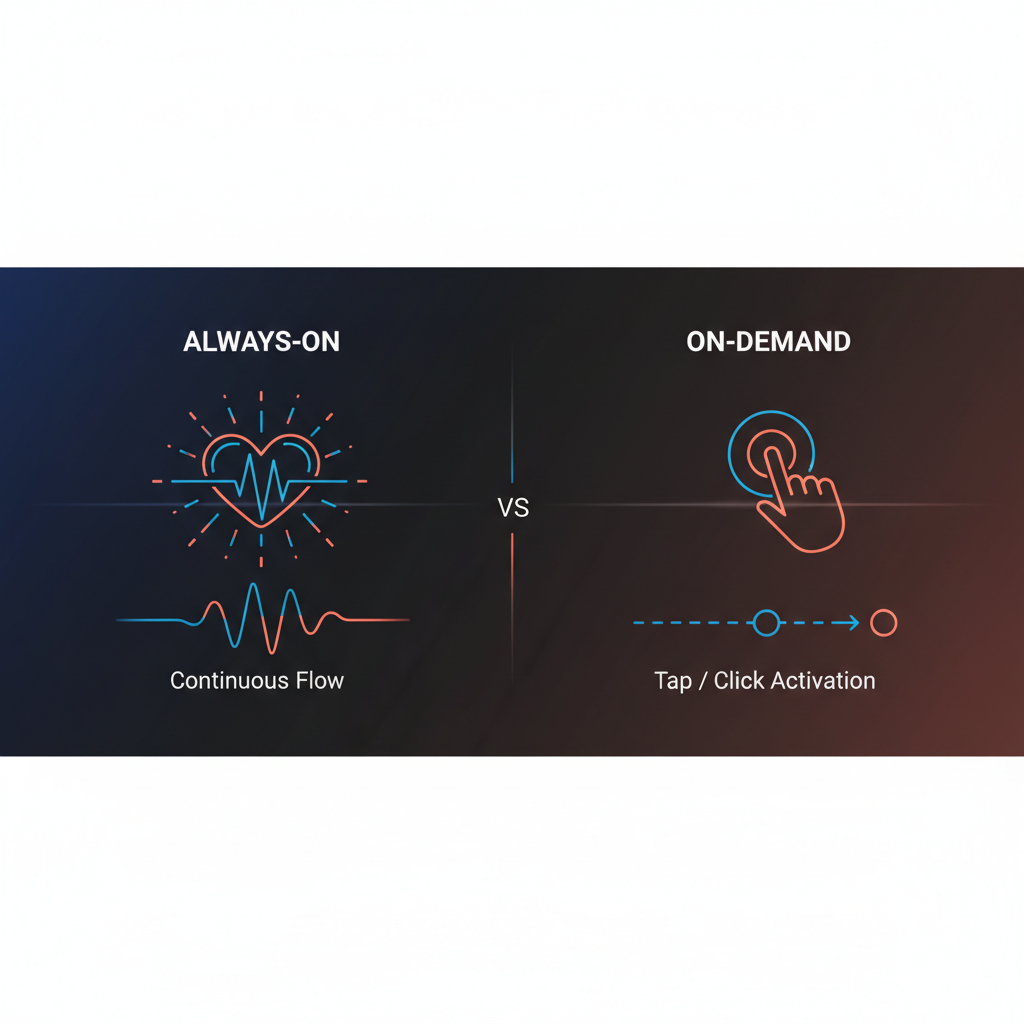
The shift from “ask-and-answer” chatbots to systems that observe and act is one of the defining themes of 2026. Always-on agents run in the background, monitoring and reacting; on-demand agents wake up when you ask. For executives, the practical question is: when do you need which? And how do you get the benefits of “always on” (e.g. daily briefs, periodic checks) without giving up control? This guide breaks down always-on vs on-demand and where approval-first tools like Alyna fit: monitoring and drafting can be always-on; sending stays on-demand (you approve).
On-demand (ask when you need)
You trigger the assistant: “Summarize my inbox,” “Prep me for my 3pm,” “Draft a reply to this thread.” It runs, returns a result, and stops. Classic chatbot or command pattern. Simple, predictable, no background processes.
Always-on (observe and act)
The assistant runs on a schedule or in a loop: it checks your email every 30 minutes, sends a 7am brief, or monitors a Slack channel for keywords. It observes and proposes (or alerts) - and in some systems, it can also act without a prompt. The 2026 “breakthrough” is persistence: agents that don’t wait for you to ask each time.
For executives, the useful hybrid is: always-on for observation and drafting; on-demand for execution. The assistant monitors and prepares; you approve before anything is sent or scheduled. That’s how you get “always-on” value without losing control.
Always-on is useful for:
- Daily briefs - A 7am summary of calendar, priorities, and what needs attention. You didn’t ask; it ran on a schedule.
- Periodic checks - e.g. “Check email every 30 minutes for messages from [VIP list] and alert me.” The assistant is “on” in the background; you get a nudge only when criteria are met.
- Monitoring - e.g. competitor pages, news, or internal channels. The assistant watches; you get a digest or alert.
Always-on is risky when:
- It acts without approval - Sending email, moving meetings, or posting in Slack on its own. For executives, that’s where things go wrong. The fix is to make action always require approval, even if observation is always-on.
- You need a one-off answer - e.g. “What did we decide in last week’s product review?” That’s on-demand: ask once, get the answer. No need for a persistent loop.
So: observation and drafting can be always-on; execution should stay on your command (approve or trigger).
“Heartbeat” or scheduled tasks are the practical form of always-on for many tools:
- Run every X minutes/hours - e.g. check inbox, summarize new threads, draft replies and queue them.
- Run daily - e.g. 7am brief, end-of-day summary.
- Run weekly - e.g. competitor digest, pipeline summary.
The assistant is “on” in the sense that it runs on a schedule; it’s not waiting for you to open the app. But the output is always a draft or an alert - not an automatic send. You stay in the loop. Alyna’s automated schedules work this way: the system runs on your schedule; you approve what gets sent or scheduled.
The way to get always-on value without always-on risk is:
- Always-on (or scheduled): Monitor, summarize, draft, and queue.
- On-demand (you): Review the queue, approve, edit, or reject. Nothing goes out without you.
So “always-on” describes the assistant’s monitoring and drafting; “on-demand” describes your approval. That’s the model we recommend for executives: let the assistant do the observing and the first draft; you do the deciding. For more on that model, see approval workflows for executives and how AI executive assistants save time.
- Scheduled/high-frequency checks - Can it run on a cadence (e.g. daily brief, hourly inbox scan)?
- Queue, not auto-send - Everything proposed for your approval before any send or calendar change.
- Clear audit trail - What ran when, what was proposed, what you approved.
That combination gives you the “always-on” benefit - briefs and triage without you having to ask every time - while keeping execution firmly on-demand. Alyna is built that way: heartbeat and schedules for observation and drafting; approval for every action.
Alyna runs on your schedule and queues everything for your approval. Get access.