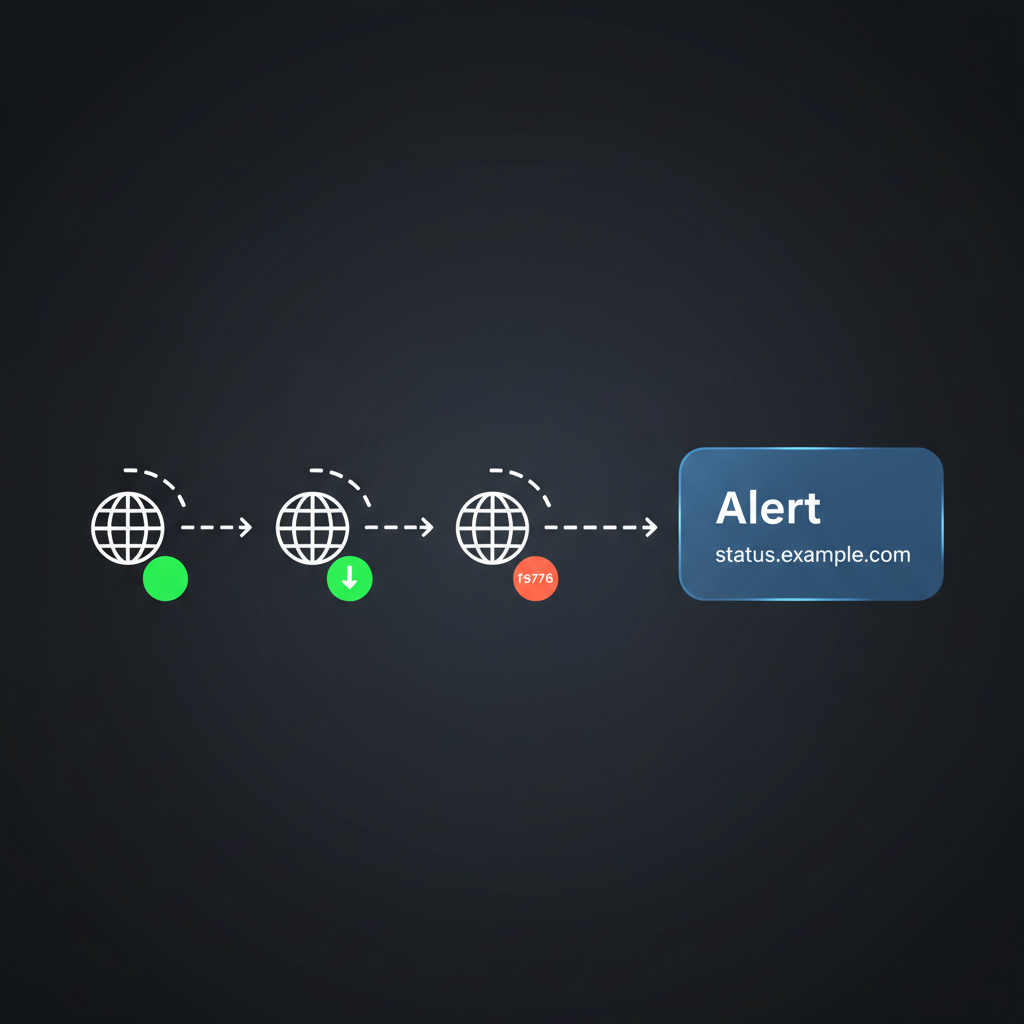
You need to know when a site or API is down - but you don't want to pay for another monitoring SaaS or give an agent SSH or server access. A simple pattern works: ping a list of URLs on a schedule; if any return non-2xx or timeout, alert (e.g. Slack or a ticket). No remediation, no server access - just "something needs attention."
With Alyna, you add that as a recurring task. Alyna pings the URLs you specify, and if something fails, it posts to your Slack channel (or creates a ticket) with the URL and time. You stay in control of what gets alerted and where; Alyna doesn't touch your infrastructure. This post is for founders and operators who want lightweight uptime visibility without a new contract or elevated permissions.
Dedicated monitoring (e.g. Datadog, PagerDuty, custom checks) is right for critical infra: databases, queues, core APIs. But you often have secondary surfaces - marketing sites, status pages, webhooks, partner endpoints - where you just want "tell me if it's down" without standing up a full stack or giving an agent keys to the server.
A lightweight monitor does one thing: HTTP ping → if not OK, alert. No auto-fix, no SSH, no new vendor. It fits the "assistant that monitors and escalates" model: Alyna runs the check and notifies you; you (or your team) decide what to do.
Give Alyna a recurring task with clear boundaries:
- "Every [interval - e.g. 5 min, 15 min], ping [list of URLs]. If any return non-2xx or timeout, post to Slack channel [X] with URL and time. Do not attempt to fix; only alert."
Alyna runs on the schedule and only escalates - no remediation, no server access. You can swap "post to Slack" for "create a ticket in [system]" if that's how your team handles incidents.
- Basic uptime visibility - You know when a URL is down or slow without checking manually.
- No new tool - You're using your existing AI executive assistant; no new SaaS signup or contract.
- No server access - Alyna only does HTTP requests and posts to Slack (or creates tickets). It never touches your servers or credentials.
- Approval and audit - You control which URLs are monitored and where alerts go; audit trail shows when checks ran and when alerts were sent.
This doesn't replace proper monitoring for critical infra - it gives you a small, concrete use case for Alyna: "monitor and escalate" without complexity or new tooling.
Alyna can ping URLs and alert you in Slack - no server access, no new tool. See how Alyna works.