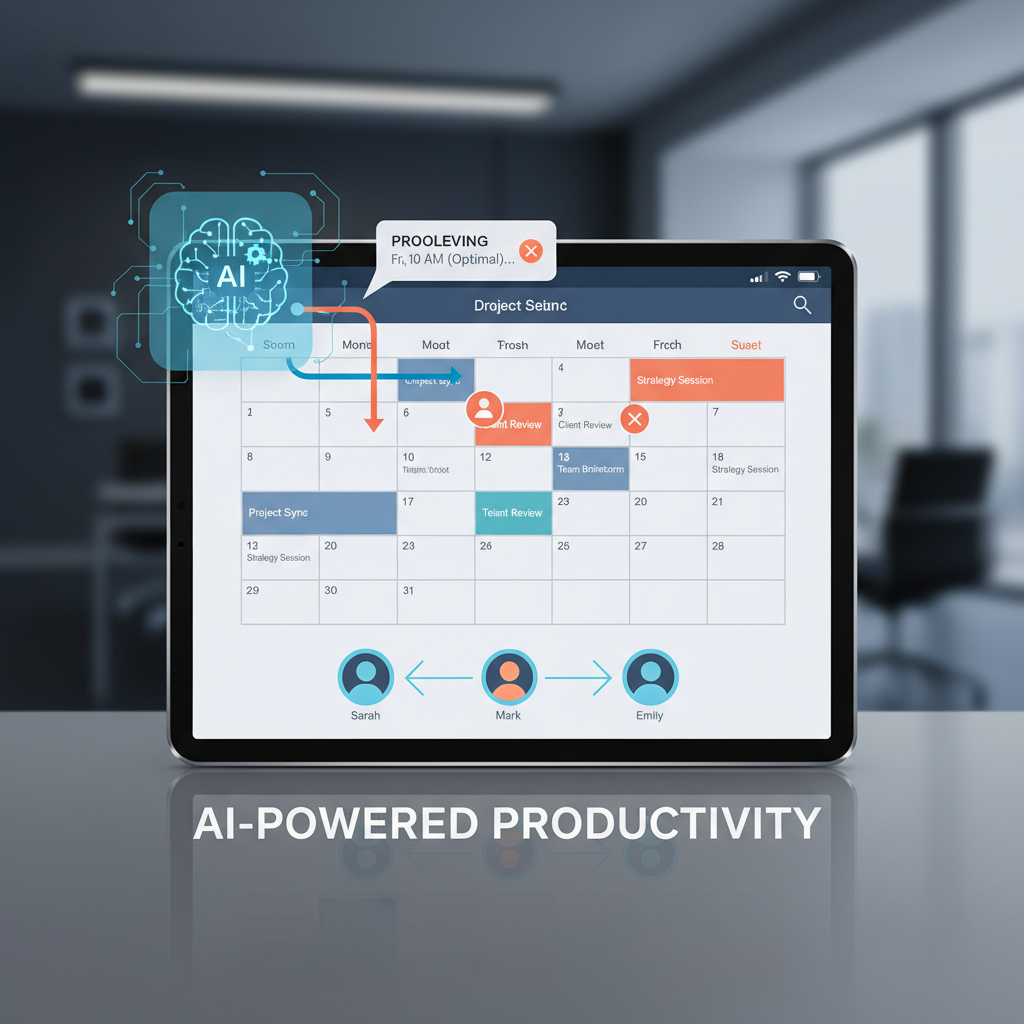
Calendar management is a constant challenge for executives. Coordinating meetings across multiple stakeholders, detecting conflicts, and finding optimal times consumes 15-20 minutes daily. AI executive assistants are solving this by automating calendar scheduling while maintaining your control through approval-first workflows. This is part of how AI assistants save executives 60-120 minutes daily.
Executives face unique scheduling challenges that make calendar management time-consuming. Multiple stakeholders require coordinating meetings with investors, team members, customers, and partners, each with their own availability and preferences. Conflict detection becomes critical as you manage overlapping meetings and double-bookings that waste everyone's time. Time zone complexity adds another layer when scheduling across different time zones and regions. Rescheduling cascades mean one change requires notifying multiple participants, creating additional coordination work. Constant calendar checking breaks focus as you switch between strategic work and scheduling logistics.
Traditional calendar tools help organize, but they don't reduce the cognitive load of actually coordinating meetings. You still need to check availability, propose times, handle conflicts, and coordinate with multiple stakeholders manually.
Modern AI assistants like Alyna integrate with Google Calendar and Outlook to automate scheduling while maintaining your control through approval-based workflows.
AI assistants monitor your calendar and identify scheduling conflicts before they happen, propose alternative times when conflicts arise, coordinate reschedules across all participants, and queue scheduling decisions for your approval. This proactive conflict detection prevents double-bookings and scheduling mistakes.
Instead of back-and-forth emails, AI assistants find optimal meeting times across multiple calendars, propose 3-5 time options for participants to choose from, handle time zone conversions automatically, and send calendar invites and reminders. This eliminates the email ping-pong of traditional scheduling.
When conflicts occur, AI assistants analyze all participants' availability, suggest alternative times that work for everyone, draft reschedule requests in your voice, and queue proposals for approval before sending. This ensures conflicts are resolved quickly without requiring manual coordination.
AI assistants remember your preferred meeting times and patterns, recurring meeting schedules, stakeholder preferences and constraints, and meeting preparation requirements. This learning makes scheduling more efficient over time as the AI understands your preferences and patterns.
Here's how it works in practice. Before using an AI assistant, you need to schedule a 30-minute call with three stakeholders next week. You spend 15 minutes checking your calendar for availability, emailing each participant to find their availability, coordinating time zones, sending calendar invites, and handling reschedule requests.
With an AI assistant, you simply ask: "Find 30 minutes with Priya, John, and Sarah next week and propose 3 options." Alyna reviews all calendars and time zones, proposes 3 optimal time slots, and queues the proposals for your approval. You approve, and invites are sent automatically. If conflicts arise later, Alyna proposes reschedules automatically.
Time saved: 12-15 minutes per meeting coordination. Multiply by 5-10 meetings weekly, and that's 60-150 minutes saved weekly on scheduling coordination alone.
AI calendar assistants work within your existing tools. They integrate natively with Google Calendar and Outlook, so there's no need to change how you manage your calendar. Meeting requests and updates appear in your Slack or Teams channels, keeping you informed without switching platforms. Calendar coordination happens via email threads, maintaining your existing communication patterns. Quick scheduling updates can be handled via voice calls when you're on the go.
This integration means AI enhances your existing workflow rather than requiring you to learn new tools or change how you work.
The key differentiator is the approval-first model. AI reviews calendars and availability, then suggests optimal meeting times. All scheduling decisions appear in your approval dashboard where you can review and approve or request alternatives. Only approved scheduling actions are sent, and full receipts of all calendar coordination are maintained.
This gives you the time savings of automation with the control you need. You're not automating away your judgment - you're automating away the manual work of checking availability, proposing times, and coordinating with stakeholders.
When using AI calendar assistants, set preferences to define your preferred meeting times and patterns. Always review scheduling proposals before approval to ensure they work for you. Maintain boundaries by using AI to protect focus time and deep work blocks. Leverage context by letting AI remember stakeholder preferences and constraints.
These practices ensure you get the time savings of automation while maintaining control over your schedule and protecting time for important work.
If you're spending more than 15 minutes daily on calendar management, consider an AI executive assistant that integrates with Google Calendar or Outlook, offers approval-based scheduling workflows, coordinates across multiple stakeholders, handles time zones and reschedules automatically, and provides full audit trails.
The goal is to free your time for strategic decisions while ensuring meetings are coordinated efficiently. Good calendar management automation makes you more efficient without making you less available for important meetings.
Alyna is an AI executive assistant that handles calendar scheduling for executives. Detect conflicts, coordinate stakeholders, and find optimal meeting times - all queued for approval with full control.