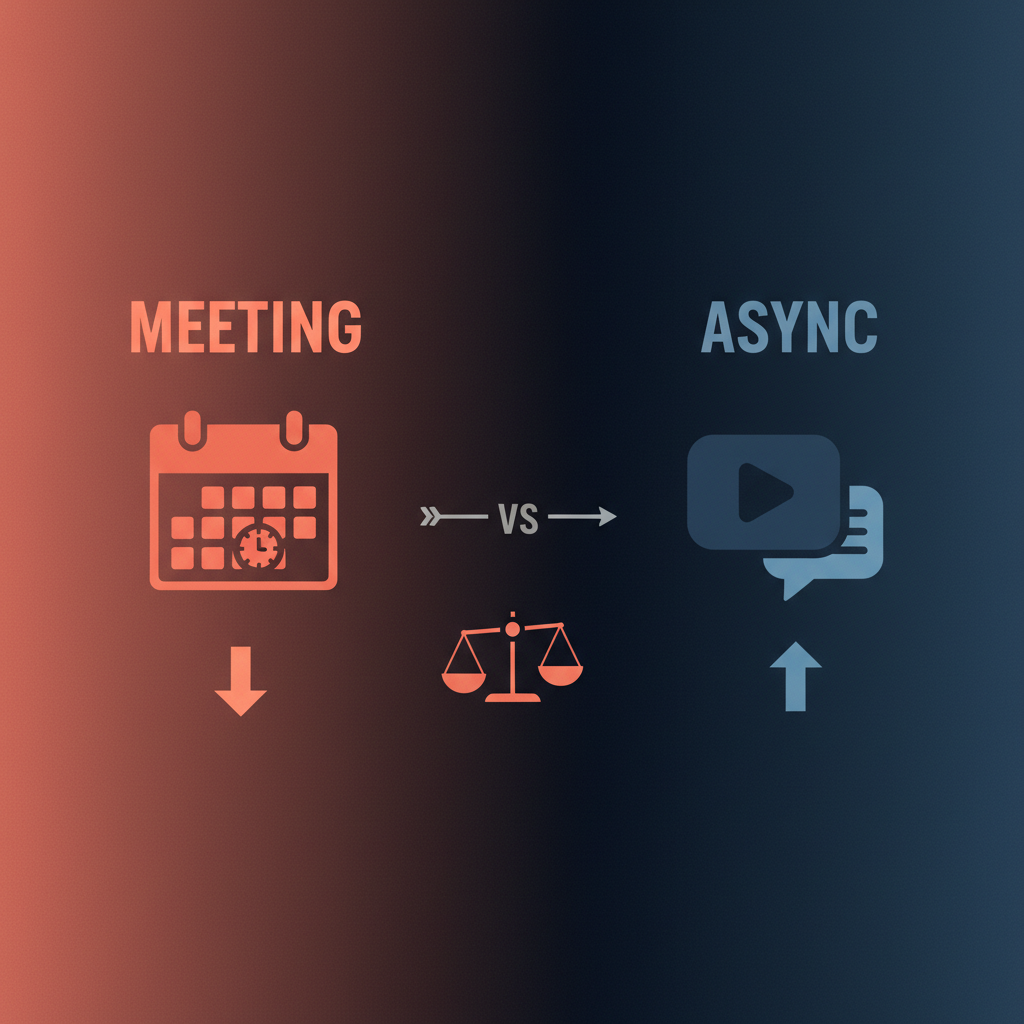
Managers spend roughly $42,000 per year in “wasted investment” from meetings they could have skipped - and 22 hours per week in meetings versus 14 for non-managers (research from UNC Charlotte and Otter.ai). Converting some meetings to async (video, written updates, or recorded briefs) frees that time. The hard part is deciding which meetings to convert and then making async actually work - clear summaries, action items, and follow-ups so nothing drops. This guide gives a simple decision framework and shows how an AI executive assistant can draft async summaries, extract actions, and queue follow-ups for your approval.
A useful two-axis frame (used by teams like Loom):
- Level of interaction - Does this need real-time back-and-forth (brainstorming, negotiation, sensitive feedback) or is it mostly one-way (update, announcement, status)?
- Number of people - Is it 2–3 people or 10+?
Good candidates for async:
- One-to-many updates - Company or team announcements, all-hands, engineering updates. Share a short video or written brief; people can watch or read when it fits.
- Standups or status - Daily or weekly “here’s what I’m doing” can be a 2–3 minute Loom or a Slack thread instead of a 30-minute call.
- Meetings that could be an email (or Slack) - If the main goal is “inform and align,” async often works better and saves calendar.
Keep synchronous when:
- High interaction - Brainstorming, conflict resolution, performance conversations, or decisions that need live debate.
- Sensitive or emotional - Layoffs, tough feedback, or relationship repair. Tone and presence matter.
Rule of thumb: if the meeting is mostly broadcast + Q&A, try async first (video or doc); add a short sync only if needed. Replacing a 30-minute meeting with a 3-minute async update can save 27 minutes per person per occurrence - and Loom has cited that 31+ hours per month are wasted in unproductive meetings. Converting even a fraction of those pays off.
Async means people don’t have to be online at the same time. You send a video (e.g. Loom), a written brief, or a thread; others respond when they can. Best practices:
- Set expectations - e.g. “Reply by EOD Thursday” or “Watch before our 1:1.”
- Keep it short - 3–5 minute videos or one-page briefs. Long async content often doesn’t get consumed.
- Capture decisions and actions - At the end of the video or in the doc, state what was decided and who does what. Otherwise async can feel fuzzy.
The weak spot is follow-through: who summarizes, who extracts action items, and who follows up? That’s where an AI assistant can help.
An AI executive assistant can:
- Draft a summary from a recording or transcript - key points, decisions, and open questions. You review and post it so everyone has one source of truth.
- Extract action items - who owns what, by when - and turn them into tasks or follow-up reminders. You approve the list before it’s shared or tracked.
- Draft follow-up messages - e.g. “As we discussed in the async update, here are the next steps.” Queue them for your approval so nothing sends without you.
The assistant doesn’t replace the meeting or the async update; it reduces the manual work of summarizing and chasing. Same approval-first idea as with email: the AI proposes, you approve. For more on reducing meeting load in general, see meeting overload solutions.
- Before a sync meeting: Share a short async brief (video or doc) with context and goals so the live time is for discussion, not download. An AI can help draft that brief from your notes or a previous thread.
- Instead of a meeting: Send an async update (Loom, doc, or thread). Use the AI to draft the summary and action items from your rough notes; you edit and send.
- After a meeting: If you still ran a sync, record it or take notes. Have the AI draft the recap and action list; you approve and share so everyone is aligned.
Alyna fits this: it can draft summaries and follow-ups from context you provide and put every proposed message in your queue. You stay in control; async stays organized.
- Audit your calendar - Which recurring meetings are mostly update or status? Those are the first candidates for async.
- Pick one to convert - e.g. a weekly team update. Try a 3-minute video or one-pager instead of a 30-minute call.
- Use an AI to draft the summary and actions - After you record or write the update, have the assistant draft the written summary and action items. Approve, then post.
- Iterate - If people are confused or things slip, adjust format or cadence. Async is a habit, not a one-time switch.
The goal is fewer hours in meetings that don’t need to be live - and clear summaries and follow-ups so async doesn’t create more confusion. An AI assistant can handle the drafting; you handle the decisions and the send.
Alyna drafts async summaries and follow-ups for your approval. Get access.