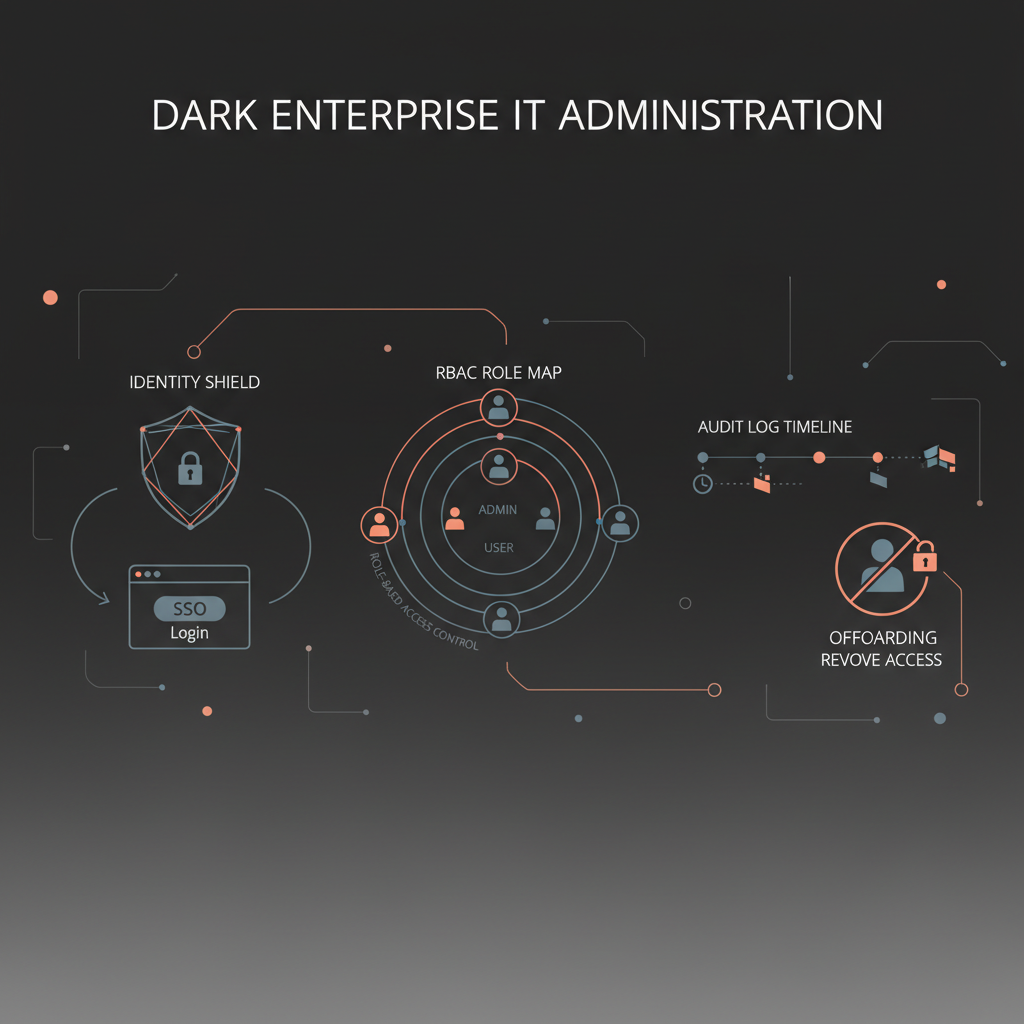
For an enterprise buyer, AI assistant admin controls are not a nice-to-have feature layer after the pilot. They are part of the product. The minimum serious standard is straightforward: enterprise SSO, role-based access, automated provisioning and deprovisioning, usable audit logs, and clean offboarding. If a vendor cannot support those controls, it is not ready to sit inside executive workflows that touch email, calendars, documents, or messaging. That conclusion is not vendor-specific. It follows directly from long-standing identity and access principles such as NIST's RBAC model, the SCIM protocol standard, Okta's guidance on SCIM and lifecycle automation, Microsoft Entra's provisioning model, and OWASP's logging guidance. In short: if the assistant becomes part of your operating surface, it must also become part of your control surface.
If you want the adjacent buying pages, start with AI Chief of Staff, AI Executive Assistant, the guide to approval workflows for executives, our broader page on security and compliance for AI executive assistants, and the market comparison of the best AI executive assistants in 2026. This page is intentionally narrower. It is about identity, permissions, visibility, and lifecycle control, not a broad SOC 2 or GDPR explainer.
A lot of buying conversations still overweight model quality and underweight control quality. That is backwards for enterprise assistants. Once the assistant can read the inbox, propose external messages, or prepare decisions across business systems, the real question becomes: who can use it, who can approve it, what gets logged, and how fast can you shut it off?
Microsoft's 2025 Work Trend Index is useful here for one reason beyond market hype: it makes clear that enterprises are moving toward human-agent teams and that IT will need to enable, disable, or block agent access for specific users or groups. That is an admin-controls problem, not a prompt-quality problem.
The moment an AI assistant becomes operational, four enterprise requirements show up immediately:
- identity must flow through the corporate access layer
- permissions must map to real organizational roles
- actions and approvals must be visible after the fact
- access must be reversible when people move, delegate, or leave
If a vendor treats those as secondary, the product may still be interesting for a demo, but it is not mature enough for serious rollout.
Use this as the baseline framework in security review and technical due diligence.
| Control area | Buyer standard | Why it matters |
|---|
| SSO | Support for enterprise SSO via SAML or OIDC | Brings the assistant into the company's identity perimeter |
| MFA and conditional access | The assistant should inherit enterprise auth requirements | Prevents the AI layer from becoming a bypass path |
| RBAC | Permissions should map to roles, not ad hoc user settings | Keeps authority aligned to real job function |
| Provisioning and deprovisioning | Lifecycle management, ideally with SCIM | Reduces orphaned access and delayed offboarding |
| Audit logs | Searchable, exportable logs for actions, approvals, and admin changes | Required for operations, investigations, and trust |
| Session and token control | Ability to revoke or narrow access quickly | Important when identities change or incidents occur |
| Delegation boundaries | Clear separation between exec, delegate reviewer, and admin powers | Executive tools often involve assistants, chiefs of staff, or EAs |
| Support access controls | Vendor-side support or impersonation paths should be restricted and logged | Hidden support paths can undermine every other control |
Those categories are simple on paper, but buyers should not assume one implies the other. A vendor might support SSO but still lack role separation. It might log events, but not the right ones. It might allow delegated review, but without clear offboarding rules when the delegate changes.
For enterprise buyers, SSO is not a premium feature. It is the entry ticket.
Standard enterprise SSO normally means SAML or OIDC support through the corporate identity provider. Microsoft Entra documents SAML and OIDC setup for enterprise apps, and that matters because buyers need the assistant to fit the existing identity stack rather than create another standalone credential island. The business value is straightforward:
- onboarding is faster
- access policy is centralized
- MFA and conditional access can be enforced consistently
- disabling a user can happen at the identity layer
Ask the vendor:
- Which SSO protocols do you support today?
- Do all enterprise features work behind SSO, or only login?
- Can access be granted by groups from the identity provider?
- Does SSO extend cleanly to admin users, reviewers, and delegates?
If the answer to any of those questions is vague, slow down. In practice, weak SSO support often predicts weak provisioning and weak offboarding too.
The point of RBAC is not merely to reduce admin work. It is to align authority with responsibility. NIST's RBAC work exists for exactly this reason: permissions should be assigned according to roles and constraints, not improvised user by user.
For AI assistants, that means the buyer should expect at least three distinct role layers:
| Role type | Typical permissions | What should be blocked |
|---|
| Enterprise admin | Configure SSO, provisioning, workspace policy, and logs | Acting as the executive in day-to-day workflow review |
| Executive or principal user | View personal queue, review drafts, approve actions that concern them | Global policy changes |
| Delegate reviewer | Review and prepare outputs within assigned scope | Broad admin control, unrelated executive access |
Depending on the product, you may also want workspace owner, security viewer, or read-only audit roles. What matters is that the vendor can explain the role model in operational terms, not just say "yes, we have RBAC."
Ask for a live walkthrough of:
- how a new reviewer is granted limited access
- how an admin sees policy without seeing unnecessary executive content
- how the system behaves when a user's role changes
That last point is crucial. A lot of tools support roles at rest, but break down during role changes and delegation changes.
This is where weak enterprise products often get exposed.
Okta's SCIM guidance explains why SCIM matters: it is a standard way to automate identity lifecycle changes between the identity provider and downstream apps. Microsoft Entra's provisioning documentation says the same thing in buyer language: automated provisioning creates, maintains, and removes identities according to business rules. The underlying standard is formalized in RFC 7644.
For enterprise buyers, that translates into one practical question:
When someone joins, changes role, becomes a delegate, loses delegated authority, or leaves the company, how many manual steps remain before AI assistant access is correct?
The right answer is "very few."
Use the joiner-mover-leaver test:
| Lifecycle event | What good looks like | Weak implementation sign |
|---|
| Joiner | User or reviewer is provisioned through IdP-driven workflow with correct role | Manual invite plus ad hoc permissions |
| Mover | Role changes update permissions without a cleanup project | Old privileges linger after the move |
| Delegate added | Access is granted only to the executive's assigned workflow scope | Delegate gets excessive broad access |
| Delegate removed | Access is revoked promptly and review history remains intact | Old delegate can still sign in or view queues |
| Leaver | Offboarding disables access quickly and predictably | Account removal depends on someone remembering |
This is also why admin controls should be tested in the pilot, not only after the commercial deal is done.
Many vendors say they have audit logs. Fewer have logs that are actually useful.
OWASP's Logging Cheat Sheet is a good practical baseline because it emphasizes logging authentication events, authorization failures, administrative actions, security configuration changes, and important application events. Google Cloud's audit log best practices add another helpful buyer lens: logs should be access-controlled themselves, and buyers should distinguish between admin activity and data-access visibility.
For AI assistants, a usable audit trail should answer at least these questions:
- Who signed in?
- Which identity provider authenticated them?
- Which role did they have at the time?
- What action did the assistant propose?
- Who approved, rejected, or edited it?
- Were there policy denials or escalation holds?
- What admin settings changed, and by whom?
Use this checklist:
| Log category | Minimum events to capture |
|---|
| Authentication | Sign-in, failed sign-in, SSO events, MFA-related outcomes if exposed by the app |
| Authorization | Access denied, policy denied, role mismatch, permission failure |
| Workflow actions | Draft generated, approval requested, approved, rejected, sent, canceled |
| Admin changes | Role edits, policy changes, integration changes, retention changes |
| Lifecycle events | Provisioned, deprovisioned, delegated, delegate removed |
The buyer should also ask whether logs are searchable in-product, exportable to existing monitoring or SIEM tooling, and retained long enough to be useful. Logging that only exists for the vendor's support team is not an enterprise control.
Offboarding is not just an identity event. For executive assistants, it is also a workflow event.
The enterprise should ask:
- Are active sessions or tokens revoked promptly?
- What happens to outstanding approval queues?
- Are delegated review rights removed automatically?
- Can audit history be preserved without leaving access alive?
- Is vendor-side support access also reviewed and constrained?
Those questions matter because executive assistants often involve shared operations between an executive, chief of staff, EA, and IT admin. "User disabled" is not enough if workflow authority remains ambiguous or cached access lingers.
The right mindset is operational finality: after offboarding, the person should no longer be able to authenticate, see queues, approve actions, or inherit delegated authority. Anything less creates avoidable risk.
Use these in security review or technical validation:
- Do you support SAML, OIDC, or both?
- Can access be assigned by IdP group?
- Do you support SCIM or another automated lifecycle method?
- What roles exist out of the box for admins, executives, and delegates?
- Can permissions be scoped per executive or workspace?
- Which events are logged for approvals, denials, and admin changes?
- Are logs exportable, and how long are they retained?
- How quickly can access be revoked after termination or role change?
- What vendor-side support access exists, and is it logged?
- Can policy controls disable or narrow the assistant without engineering work?
If a vendor answers "yes" to these but cannot demonstrate them, score them as partial, not complete.
This guide is intentionally enterprise-weighted. Not every buyer needs the full stack on day one.
You may not need every control immediately if:
- the deployment is a single executive using a personal workflow outside enterprise procurement
- there is no delegated access model
- the assistant is not connecting to sensitive business systems
- IT is explicitly treating the tool as a low-risk experiment outside production operations
But most enterprise buying committees should be careful here. It is easier to relax a strong control model later than to retrofit identity, roles, and logging after adoption has started.
No. SSO gets the product into the identity perimeter, but it does not prove role separation, provisioning, auditability, or offboarding discipline.
Because manual lifecycle management is one of the fastest ways to create stale access. SCIM is not magic, but it is the clearest standard path to reducing that operational risk.
Yes. Buyers should validate at least SSO behavior, role assignment, delegated access, log visibility, and access revocation during the pilot, not after signature.