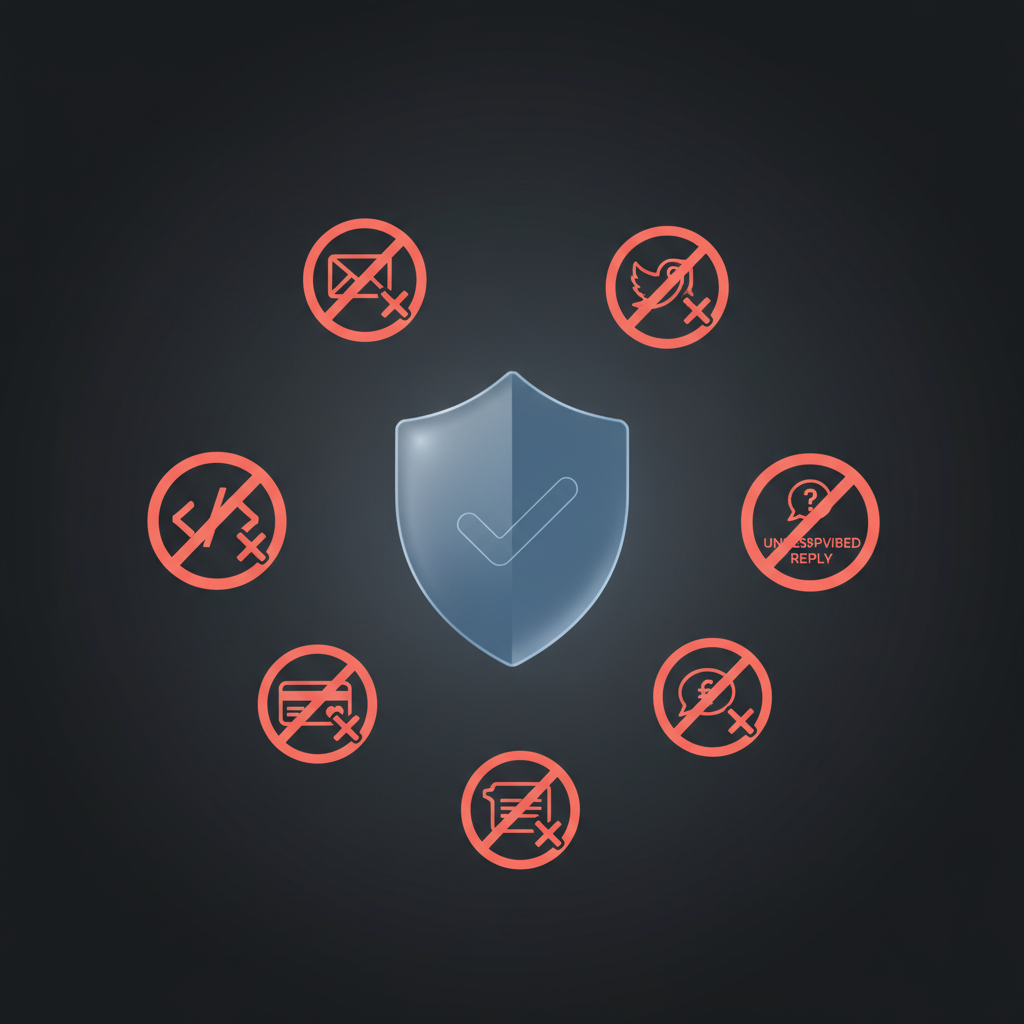
An AI assistant can save you hours - but only if you don't give it the keys to everything. Over-connecting accounts (social, company email, cold send), or letting it auto-respond to customers or push code, can burn your domain, hurt your brand, or create liability. The fix isn't "don't use AI"; it's clear guardrails and an assistant that enforces them by design.
With Alyna, you get approval-first and least-privilege out of the box. This post spells out five things to never let your AI assistant do - and how to do it right with Alyna so you get leverage without the risk.
Why it's dangerous: Cold email at scale from your main domain (@yourcompany.com) can trigger spam filters and blacklisting. One bad run (wrong list, wrong copy, or a prompt injection) can poison deliverability for your whole team.
Do it right: Use Alyna to draft personalized cold outreach; approve every send yourself. Send from a separate domain and warm sending infrastructure for cold - never from your company domain. Alyna's approval-first workflow means nothing goes out until you approve - so you keep control and protect deliverability. See How to Get Daily Opportunities From Cold Outreach Using Alyna for the full flow.
Why it's dangerous: Letting an AI post or reply from your brand accounts means one mistake (wrong tone, wrong account, or injected content) goes live. Recovery is public and painful.
Do it right: With Alyna you can keep social as read-only for research (e.g. "what's being said about X") and have Alyna propose posts or replies for your approval. Nothing publishes until you approve. Least-privilege: only connect what Alyna needs, and use approval workflows for anything that touches the public.
Why it's dangerous: Hallucination or wrong tone in a customer-facing message can escalate complaints, leak information, or create legal exposure. Auto-reply without human review is high risk.
Do it right: Use Alyna to draft responses and triage; you (or your team) approve before anything is sent. Alyna can suggest replies and surface the thread - you decide what goes to the customer. Approval-first and audit trail mean you stay in control and can prove what was sent and when.
Why it's dangerous: Auto code push or config change can break production, leak secrets, or open security holes. "The AI did it" doesn't fix the outage.
Do it right: Use Alyna to suggest changes, run checks, or monitor - not to push. In Alyna's rules/memory: "Never push code; only suggest or monitor. All code changes go through [person/process]." Alyna stays in the "propose and alert" layer; humans own the deploy.
Why it's dangerous: Invoices, payments, and accounting entries have compliance and audit implications. Wrong amount, wrong account, or wrong approval path can create liability and audit failures.
Do it right: Use Alyna to summarize financial data, flag anomalies, or draft reports - not to approve payments or post entries. In Alyna: "Never make accounting or financial decisions; always escalate to [person/process]." Alyna's audit trail supports your process; it doesn't replace human approval for money movement.
Alyna is built so that approval and least-privilege are default:
- Approval-first - External actions (send email, post, update CRM) are proposed; you approve. No "AI has the button" mode.
- Least-privilege - You connect only what Alyna needs; you don't grant send/post/pay unless you explicitly add it and approve.
- Audit trail - Every proposed action and every approval is logged - so you can show what was done, when, and by whom.
You can encode the "never do X" rules in Alyna's memory: "Never use [company domain] for cold outreach. Never send customer support messages without human approval. Never push code; only suggest or monitor. Never make accounting or financial decisions; always escalate." Treat Alyna like a new hire: start with read-only or narrow scope, expand as trust is built. That way you get the leverage without the risk.
Alyna is an AI executive assistant built approval-first and least-privilege - so you can set guardrails and enforce them. See how Alyna works.