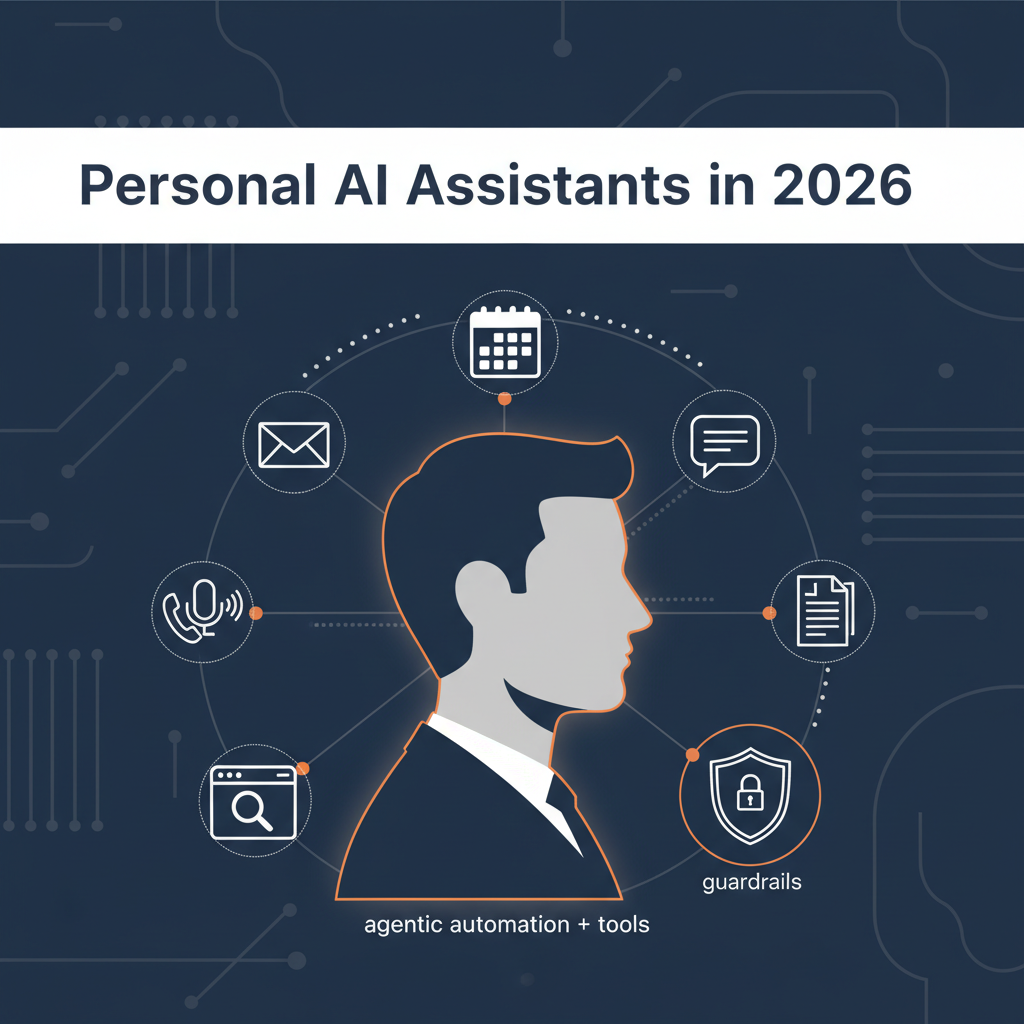
Personal AI assistants are evolving from “help me write this” into “run the workflow.”
That’s exciting… and also where things get spicy. Because the moment an assistant can access your inbox, calendar, chats, browser, and tools, you’re not just adopting software - you’re delegating capability.
This guide is designed to be genuinely useful. You’ll get:
- A clear taxonomy of assistant types (so you don’t buy the wrong thing)
- How modern assistants work under the hood (in plain English)
- The real security risks (prompt injection, tool abuse, plugin scams)
- A buyer’s checklist and evaluation scorecard
- A realistic rollout plan that avoids chaos
- A concrete example of what approval-first looks like in practice (without turning this into a sales brochure)
Choose based on your risk tolerance and where you work:
- If you’re a normal busy human (high stakes, low time): pick an assistant that defaults to draft-first approvals and keeps an audit trail.
- If you’re very technical and enjoy tinkering: self-hosted “agent” setups can be powerful - but you’re also the security team.
- If you live in Microsoft/Google ecosystems: the native copilots are often “good enough” and easiest to roll out.
Then validate with a 7-day trial plan (included below).
A modern personal AI assistant is typically:
- an LLM (the “brain”)
- plus connectors to your tools (email, calendar, chat, docs)
- plus memory (what it should remember)
- plus tools/actions (send, schedule, browse, automate)
- plus guardrails (what it’s allowed to do)
- plus observability (logs, approvals, “receipts”)
As soon as “tools/actions” enter the picture, the assistant becomes agentic - it can plan and execute steps, not just answer questions. That is exactly the shift OpenAI describes in agent guidance: systems that can use tools (like browsing and code) to perform tasks.
Source: https://openai.com/business/guides-and-resources/a-practical-guide-to-building-ai-agents/
These are the “AI in Outlook / AI in Meet / AI in Slack” style features:
- summarize threads
- draft messages
- extract action items
- help you catch up
Examples:
Best for: teams already standardized on Microsoft/Google/Slack, and people who want low-risk help.
Limit: they rarely coordinate across multiple tools as a single “assistant brain.”
These focus on:
- finding meeting times
- reshuffling plans when your day explodes
- time-blocking tasks and habits
Example signal: Google has shipped Gemini features in Gmail to help schedule meetings by reading intent and suggesting times.
Source: https://www.theverge.com/news/799160/google-gmail-gemini-ai-help-me-schedule
Best for: people whose calendar is chaos.
Limit: they’re not usually great at inbox + meeting prep + cross-channel work.
These aim to:
- capture thoughts
- retrieve context fast
- create summaries and briefs from your own material
Best for: researchers, writers, operators who live in docs.
Limit: they often don’t “take actions” in the real world.
This is the viral category: assistants that can operate like an intern with tools.
Example: Moltbot (formerly Clawdbot) is trending because it “actually does things” and can be controlled through chat platforms like WhatsApp/Telegram/Signal/Discord/iMessage, while automating real tasks - plus it has attracted security concerns due to deep access and misconfigurations in the wild.
Source: https://www.theverge.com/report/869004/moltbot-clawdbot-local-ai-agent
Best for: technical users who want maximum control.
Limit: the risk surface is dramatically larger.
A strong assistant wins by reliably doing boring high-value work:
- Inbox triage: categorize, prioritize, de-duplicate
- Thread summaries: “what matters here?”
- Draft replies: in your tone, with context
- Follow-up tracking: “what’s pending?” and “who’s waiting?”
- Scheduling proposals: suggest options, include agenda hints
- Meeting briefs: who’s attending, what changed, risks, decisions
- Post-meeting capture: action items + owners + dates
- Cross-channel continuity: email + Slack/Teams + docs
- Daily brief: what matters today, what’s urgent, what’s blocked
- Action execution (optional): book, file, submit, update systems
Even Slack describes AI assistants in email/work contexts as automating sorting, prioritizing action items, summarizing, and generating responses.
Source: https://slack.com/blog/transformation/transform-your-email-experience-with-an-ai-email-assistant
Here’s the simplest mental model:
The assistant pulls context from:
- email threads
- calendar events
- chat messages
- docs/notes
- tasks
Then it provides that context to the model.
The model determines:
- what you’re asking
- what info is missing
- what steps are needed
If it’s agentic, it might:
- draft and send an email
- create a calendar invite
- browse the web to book a ticket
- update a CRM
- run a script
Guardrails define:
- what tools it can invoke
- when approvals are required
- what scopes/permissions exist
- what gets logged
OpenAI’s agent SDK documentation explicitly describes “human-in-the-loop” approvals for sensitive tool executions.
Source: https://openai.github.io/openai-agents-js/guides/human-in-the-loop/
If your assistant reads untrusted content (emails/webpages/messages) and can take actions, it can be manipulated. For more on security and compliance for AI executive assistants, including what to ask vendors, see our dedicated guide.
OWASP lists Prompt Injection as the #1 risk for LLM applications.
Source: https://owasp.org/www-project-top-10-for-large-language-model-applications/
The UK’s NCSC has a blunt take: prompt injection is not like SQL injection, and there’s a good chance it may never be “properly mitigated” in the same way.
Source: https://www.ncsc.gov.uk/blog-post/prompt-injection-is-not-sql-injection
This doesn’t mean “don’t use assistants.” It means you should choose designs that assume residual risk and reduce blast radius.
When assistants support skills/plugins/extensions, you inherit software supply-chain risk - except now that code can trigger actions.
A very fresh example: attackers released a fake “Moltbot/Clawdbot” VS Code extension that installed malware.
Sources:
https://www.techradar.com/pro/security/fake-moltbot-ai-assistant-just-spreads-malware-so-ai-fans-watch-out-for-scams
https://thehackernews.com/2026/01/fake-moltbot-ai-coding-assistant-on-vs.html
https://www.aikido.dev/blog/fake-clawdbot-vscode-extension-malware
Practical lesson: if your assistant ecosystem is trending on social media, assume scammers are already shipping lookalikes.
For anything involving:
- sending messages
- scheduling meetings
- booking purchases
- modifying records
…the safest pattern is:
- Assistant prepares a draft plan + draft output
- You approve (or edit)
- Only then does it execute
- Everything is logged (“receipts”)
OpenAI’s business guide to working with agents emphasizes delegation + supervision patterns and the need to supervise agents as they add value.
Source: https://cdn.openai.com/business-guides-and-resources/a-business-leaders-guide-to-working-with-agents.pdf
One product example of this posture is Alyna, which positions itself as:
- “an AI executive assistant you can call or message anytime”
- “draft-first with approvals and an audit trail”
- “2-minute setup • connect Gmail + Calendar + Slack • no auto-send”
If you’re comparing options, see our best AI executive assistants in 2026 roundup and Alyna vs Clawdbot/Moltbot for a security-focused take. Learn more at tryalyna.com.
That’s not “magic.” It’s simply a safer interaction contract:
- assistants draft
- humans approve
- actions are logged
In high-stakes work, that’s often the difference between “useful” and “dangerous.”
Use this as a scorecard when you trial tools.
- Does it default to drafts for email/scheduling? (See approval workflows for executives for what “good” looks like.)
- Can you require approvals for specific actions (send, book, delete, update)?
- Are scopes granular? (read-only vs write)
- Can you connect only what you need?
- Can you see what it did and why?
- Are approvals logged and searchable?
- Does it treat external text as untrusted?
- Are tool calls gated by policy and approvals?
OWASP risk lists are a good checklist baseline.
Source: https://owasp.org/www-project-top-10-for-large-language-model-applications/
- Is there a trusted marketplace or signed plugins?
- Are skills sandboxed?
- Can you restrict egress/network access for skills?
- retention policy
- deletion controls
- training usage policy clarity
- Does it reduce context switching?
- Does it produce usable drafts with minimal editing?
| Criteria | What “good” looks like | How to test in 10 minutes |
|---|
| Draft quality | Correct tone, accurate facts, uses context, minimal edits needed | Pick a real thread; ask for a reply + 2 alternatives; check for hallucinations |
| Context retrieval | Pulls the right emails/events/docs, cites sources or links back | Ask “Summarize the last 10 messages about X and list decisions” |
| Approval controls | Sensitive actions require explicit approval | Try to “send” something; confirm it drafts instead of executing |
| Audit trail | Action receipts, searchable history, why/when/what | Ask “What did you do today?” and verify the log is real |
| Prompt injection safety | Doesn’t blindly follow instructions embedded in emails/webpages | Send a test email with “Ignore previous instructions…” and see if it misbehaves |
| Plugin/skill trust | Signed skills, clear permissions, sandboxing | Install a skill only from official sources; verify permissions are displayed |
- summaries of inbox threads
- meeting notes and recaps
- Slack/Teams catch-up summaries
Examples of built-in meeting recap behaviors exist in Google Meet (notes + recap email).
Source: https://support.google.com/meet/answer/14754931
- safe actions like creating a draft calendar invite
- creating a draft email (not sending)
- preparing a booking plan (not purchasing)
If you move into agentic actions, adopt human-in-the-loop approvals for tool executions.
Source: https://openai.github.io/openai-agents-js/guides/human-in-the-loop/
These are not “enterprise theater.” They’re the basics.
- Prefer read-only connectors first
- Require approvals for anything that sends, books, deletes, or edits records
- Treat external content as untrusted (emails, web pages, chat messages)
- Never install random plugins during hype cycles
(the Moltbot fake extension incident is a perfect example)
Sources:
https://www.aikido.dev/blog/fake-clawdbot-vscode-extension-malware
https://thehackernews.com/2026/01/fake-moltbot-ai-coding-assistant-on-vs.html
- Separate personal and work contexts (different connectors, different policies)
- Keep an audit trail (so you can verify reality)
The future isn’t “AI that can do anything.”
It’s “AI you can delegate to with receipts.”
That means assistants will increasingly compete on:
- cross-channel reachability (email + Slack/Teams + voice)
- approvals
- auditability
- and bounded tool access
Want to try an approval-first AI executive assistant? Alyna works in Slack, Teams, email, and calendar with draft-first actions and a full audit trail - get access at tryalyna.com.