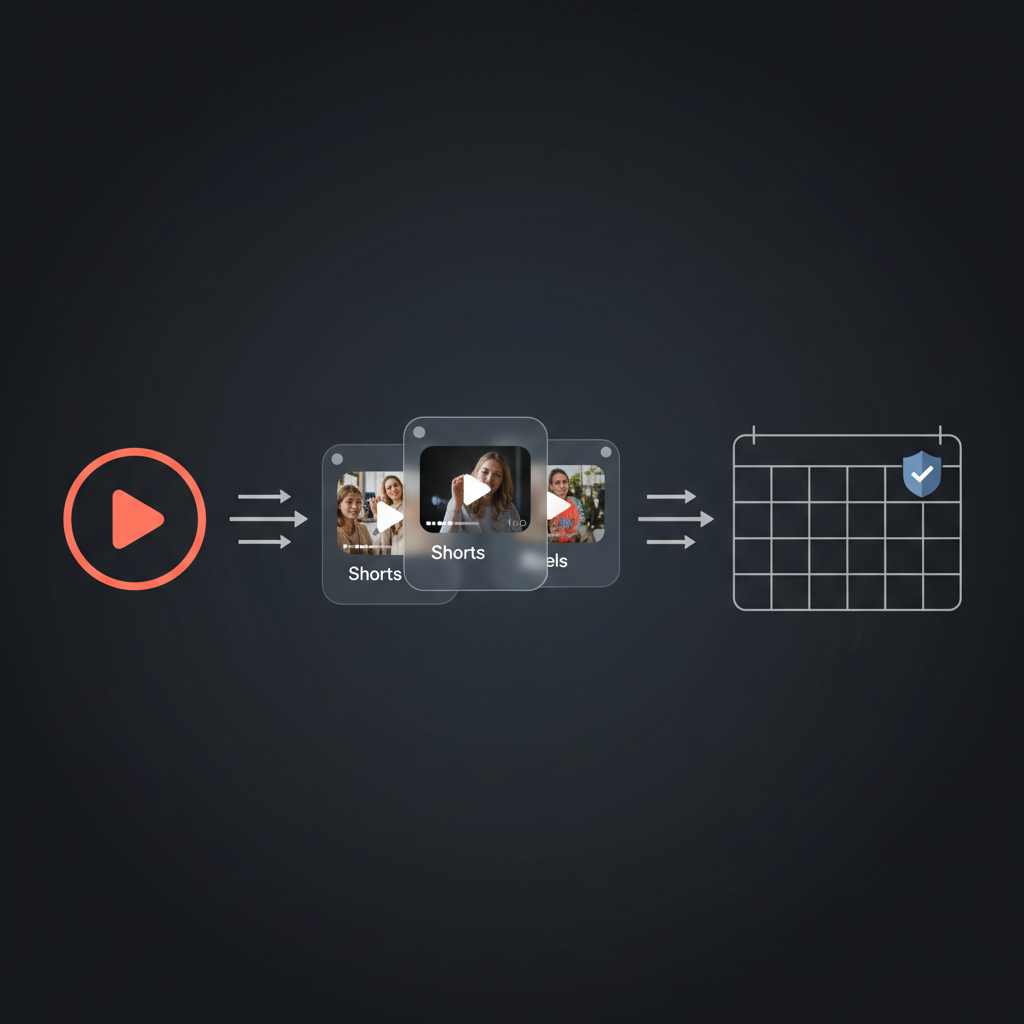
Long-form video (YouTube, etc.) can drive a lot more reach when it’s cut into shorts and pushed to Instagram, X, and other platforms - but doing that manually is tedious, and handing the whole flow to an AI that posts everywhere without your approval is risky. You want one place to coordinate clipping, captions, and scheduling, with you approving what goes live and when.
With Alyna, you can run a video-repurposing workflow: when a new video is published (or you add a link), Alyna coordinates with your clip and scheduling tools, drafts captions and thumbnails, and proposes a schedule. Nothing publishes until you approve - batch or one-by-one. Approval-first and audit trail mean you scale reach without losing control or running unmanaged automation on a Mac Mini at 2am.
This post is for creators and content leads who want "video → shorts + social" without the ops or the risk.
Turning one long-form video into many clips and posting them everywhere involves: choosing clips, writing captions, picking thumbnails, and scheduling per platform. Do it yourself and it eats hours; hand it to an automation that posts without you and you risk wrong tone, wrong clip, or a bad post going live on every channel.
What you want is automation up to the publish button: the system suggests (or generates) clips, captions, and a schedule, and you approve what actually goes out. That’s where Alyna fits - as the layer that coordinates the workflow and queues every publish for your review.
Alyna is an AI executive assistant that can orchestrate repurposing with the tools you connect: clip tools, scheduling tools, and optionally caption/thumbnail generation. You define the flow; Alyna runs it and proposes what to publish - you approve, edit, or reject.
With Alyna you can:
- Define the workflow – e.g. "When [new video is published / I add this link], run our repurposing flow: generate clips (or use [tool]), draft captions and thumbnails, propose schedule for [YouTube Shorts, Instagram, X, etc.]. Do not publish anywhere without my approval. Notify me when drafts and schedule are ready."
- Review before anything goes live – Alyna surfaces proposed clips, copy, and schedule in one place. You approve as-is, edit, or reject. Only approved items are sent to your scheduling tool or published. So you keep brand and quality control.
- Keep audit and control – Every proposal and every approval is logged. You can see what was proposed, what you approved, and what actually went out - important for compliance and for fixing what doesn’t work.
You’re not running scripts on a Mac Mini or giving an AI the keys to post everywhere; you’re using Alyna to coordinate the pipeline and approve each step. Same outcome, with control.
Tell Alyna when to run and what to do:
- "When [I add a new video link / new video is published to this channel], run our repurposing workflow: [generate or pull clips], draft captions and thumbnails, propose schedule for [list platforms]. Do not publish anywhere without my approval. Notify me when drafts and schedule are ready."
You can narrow by channel, format, or length so only the right videos trigger the flow.
Connect only what Alyna needs: e.g. clip tool (or Alyna can coordinate with a service that produces clips), scheduling tool (Buffer, native schedulers, etc.). Alyna proposes; your scheduling tool (or you) actually publishes after you approve. So Alyna doesn’t need "post to all platforms" permission - it needs to hand you approved content and schedule for you or your tool to execute.
Review the proposed clips, captions, and schedule. Approve the whole batch, or approve per platform or per clip. Once you’re happy, Alyna (or your connected tool) can post on the approved schedule. Over time you can tighten the rules (e.g. "always use these hashtags," "never post before 9am") so fewer edits are needed - but the final say stays with you.
- Video → shorts + social without the grind – One workflow, one place to approve. Clips, captions, and schedule proposed; you decide what goes live.
- No unmanaged posting – Nothing publishes without your approval. No 2am Mac Mini, no "AI posted the wrong thing everywhere."
- Audit trail – You can show what was proposed, what was approved, and what was published - so you keep control and can iterate on what works.
- No ops burden – Alyna handles orchestration and optimization; you don’t host or maintain automation yourself. Approval-first and managed design mean you get the leverage without the risk.
Repurposing video to shorts and social with Alyna means more reach with the same control - you approve every publish and keep your brand and quality in your hands.
Alyna is an AI executive assistant that can coordinate repurposing workflows and queue every publish for your approval. See how Alyna works.