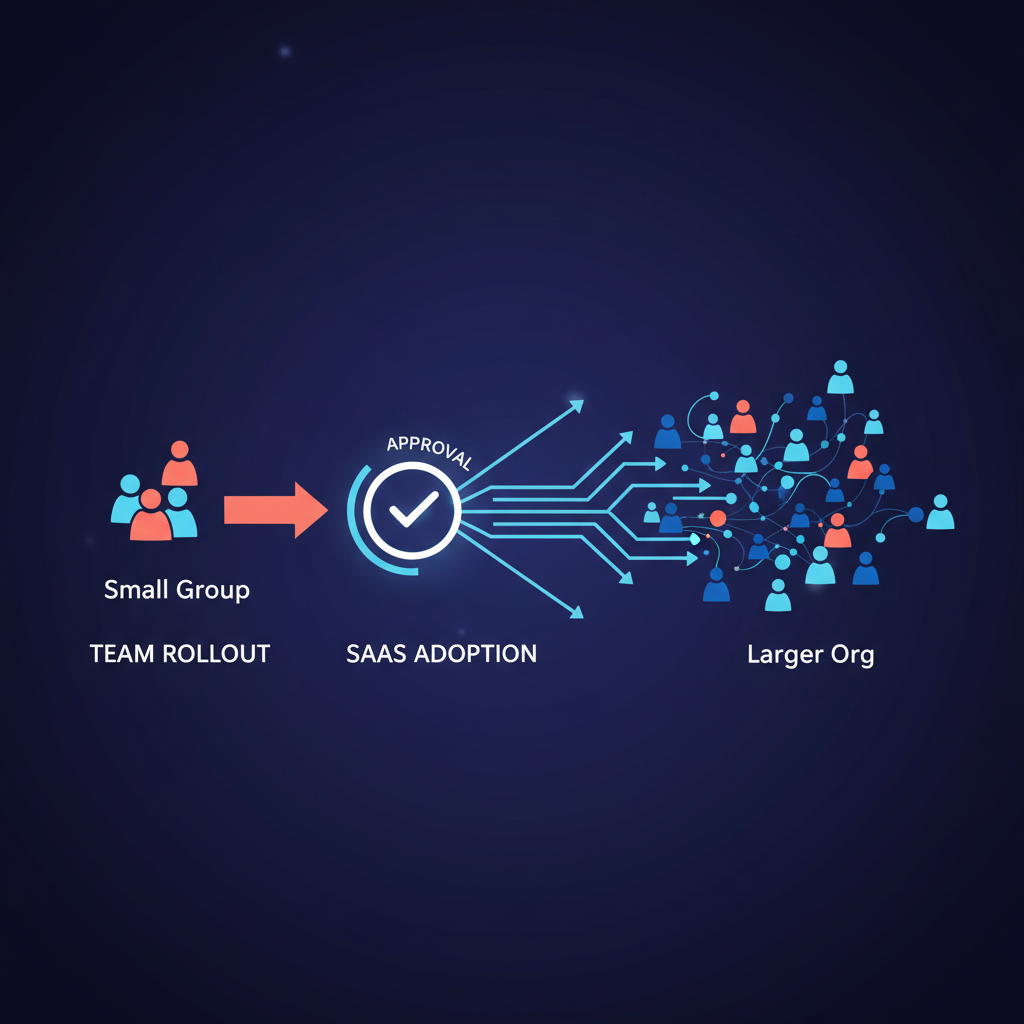
Individual adoption of an AI executive assistant is one thing; rolling it out across a team or organization is another. Without a clear plan, you get tool sprawl, inconsistent use, and security headaches. With one, you get leverage at scale. Rachel Wolan, Webflow’s CPO, built a personal AI chief of staff and then drove company-wide adoption through “Builder Days” - events where people experience what’s possible with AI hands-on. The lesson: people don’t understand what’s possible until they try it themselves. This guide covers how to roll out an AI executive assistant to your team in a controlled way: pilot, use cases, approval-first as guardrail, and how to avoid chaos.
When everyone uses ad-hoc tools - different chatbots, different automation - you lose consistency, visibility, and often compliance. A coordinated rollout means:
- One approval queue (or a small set of them) so you know what’s being drafted and sent in your name.
- Shared patterns - daily briefs, meeting prep, email triage - so the team speaks a common language.
- Easier governance - one vendor, one audit trail, one security review instead of dozens of shadow tools.
The goal isn’t to force everyone into the same workflow overnight. It’s to offer a default AI assistant (e.g. Alyna) for those who want it, with clear use cases and guardrails, so adoption is visible and safe.
Roll out in stages:
- Pilot group - Pick a small set of heavy users: executives, EAs, or a team that already feels overloaded. Give them access, support, and a simple set of use cases (daily brief, email drafts, meeting prep).
- Measure and iterate - Ask what’s saving time, what’s confusing, and what’s missing. Use their feedback to refine training and defaults before widening.
- Expand gradually - Add the next cohort (e.g. more executives, then team leads) once the pilot is stable. Avoid “everyone gets it Monday” unless you have strong support and clear policies.
Rachel Wolan’s approach at Webflow combined bottom-up enthusiasm (Builder Days so people could try building and using AI) with top-down expectations (e.g. “you can’t get in a meeting with me without a prototype”). You don’t have to run Builder Days to adopt that idea: lead by example and make it easy for the next wave to join.
When you roll out an AI assistant that can draft emails, calendar moves, or messages, the biggest risk is unreviewed sends. The fix is to make approval the default:
- Nothing sends without explicit approval - drafts go to a queue; the human approves or edits. No “AI sent that” surprises.
- Full audit trail - who approved what, when, and from what context. That matters for compliance and for debugging when something goes wrong.
- Same policy for everyone - if the tool can act in your name, it must be approval-first. No exceptions for “convenience.”
Alyna is built this way: every proposed action is queued for review. When you roll it out, you’re not rolling out autonomy; you’re rolling out leveraged drafting and triage with a single control point. That makes it easier to get security and legal comfortable and to avoid “shadow AI” that acts without oversight.
Don’t try to boil the ocean. Standardize on a few high-impact use cases:
- Daily brief - Morning summary of calendar, priorities, and what needs attention. Same format for everyone who opts in.
- Email triage and drafts - Inbox review, draft replies, queue for approval. Reduces “I didn’t see that” and speeds response without auto-send.
- Meeting prep - Brief before important meetings: context, open questions, suggested next steps. Complements automated meeting prep.
Train the pilot group on these. Document them in a short internal playbook. When you expand, new users get the same playbook so adoption is consistent.
Once one team has an AI assistant, others may want “their own.” The risk is 10 different tools doing similar things - different audit trails, different security postures. To avoid that:
- Recommend one primary assistant for executive/productivity use (e.g. Alyna) and stick to it unless there’s a strong reason to add another.
- Distinguish specialty tools - e.g. legal research, code generation - from the general “executive assistant” use case. Specialty tools can coexist; the assistant is the place for email, calendar, and cross-channel drafting.
- Review tool use periodically - If someone is using a different AI tool for the same workflows, understand why and either fold that into the standard tool or document the exception.
- Choose a pilot group (e.g. 5–10 people) and a timeline (e.g. 4–6 weeks).
- Define 2–3 use cases and document them. Make approval-first non-negotiable.
- Run the pilot with support (office hours, Slack channel, or a designated internal champion).
- Collect feedback and adjust before expanding. Then roll out to the next cohort.
For more on why individual adoption often fails without time to experiment, see AI adoption and time to experiment. For approval workflows and control, see approval workflows for executives.
Alyna works across your team with one approval queue and full audit trail. Get access.