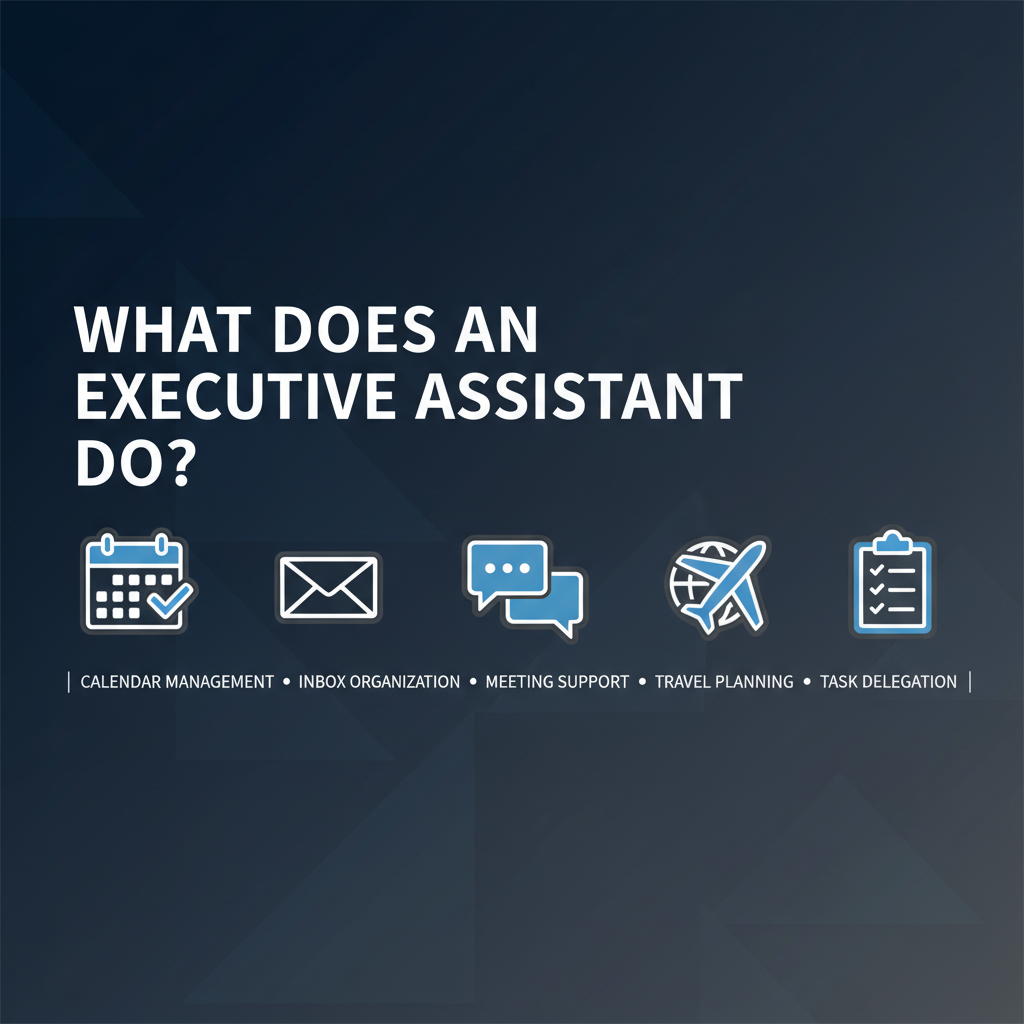
If you're considering hiring an executive assistant (EA) or an AI that acts like one, it helps to be clear on what the role actually does. This guide breaks down core EA responsibilities and how AI can handle the same tasks - with the important caveat that approval and audit matter.
An executive assistant typically supports a senior leader with a mix of the following. Exact scope varies by role and company; this is the common set.
- Manage the executive's calendar: meetings, blocks, and buffers.
- Schedule and reschedule across time zones and multiple participants.
- Resolve conflicts and protect focus time or personal time when requested.
- Send and track invites, reminders, and changes.
AI equivalent: An AI assistant can propose times, send invites, and handle rescheduling. With approval-first workflows, it only confirms once you (or your EA) approve.
- Triage email: prioritize, summarize, and flag what needs the executive.
- Draft replies for approval; sometimes send on behalf of the executive (with clear authority).
- Filter noise (newsletters, FYI) so the principal sees only what's actionable.
- Maintain inbox hygiene and folders/rules.
AI equivalent: Email triage and drafting in the executive's voice, with every draft queued for approval. Summaries and daily briefs replace "read everything yourself."
- Prep: Gather context, pre-reads, and talking points before meetings.
- Follow-up: Capture action items, send summaries, and track commitments so nothing drops.
AI equivalent: Meeting briefs (context, risks, suggested questions) and follow-up automation - drafts for your approval so you stay in the loop without doing the legwork.
- Web research: Find information about meeting attendees, companies, competitors, industry trends.
- Monitor: Track competitor websites, news mentions, pricing changes, and market intelligence.
- Pre-meeting research: LinkedIn profiles, recent news, company backgrounds for context.
- Competitive intelligence: Ongoing tracking of what competitors are doing, announcing, and pricing.
AI equivalent: AI assistants can now handle web research and browser automation that EAs traditionally do:
- Internet search: Built-in web search synthesizes findings across any topic
- Website monitoring: Track competitor pricing pages, product announcements, job postings
- Data extraction: Pull information from websites, forms, and public databases
- News tracking: Monitor news mentions, press releases, and industry publications
Example: "Research the background of tomorrow's meeting attendee, monitor our top 3 competitors' pricing weekly, track news mentions of our company daily" - all with approval-first summaries.
Modern AI assistants extend EA capabilities with browser automation:
- Form filling: Partnership applications, vendor questionnaires, standard forms
- Website navigation: Navigate multi-step processes, login to portals, extract data
- Monitoring: Check websites for changes, track product availability, monitor status pages
- Scraping: Extract structured data from websites with approval
AI equivalent: Chrome extension + remote browser enables automation that previously required manual EA work or specialized tools. All browser actions happen with approval checkpoints.
- Act as a hub: relay messages, coordinate with other EAs and stakeholders, and keep the executive informed.
- Sometimes handle Slack, Teams, or other channels on the executive's behalf (within agreed boundaries).
AI equivalent: Cross-channel coordination - one assistant across email, Slack, Teams, and more, with triage and drafts approval-first.
- Book travel, accommodations, and ground transport.
- Handle changes, cancellations, and last-minute issues.
- Prepare itineraries and day-of logistics.
AI equivalent: Limited today. Some tools help with research and booking; complex or high-touch travel is still often better with a human EA or travel desk.
- Expense reports, light research, formatting documents, and one-off tasks.
- Gatekeeping: who gets time, what gets escalated, what can wait.
AI equivalent: Research and drafting can be AI-assisted; gatekeeping and judgment often stay with a human EA or the executive.
- Relationship and nuance - Sensitive conversations, reading the room, and representing the executive in political or emotional situations.
- Strategic prioritization - "This is more important than that" based on context that's hard to codify.
- Complex travel and events - Multi-city, high-touch, or last-minute changes.
- Institutional knowledge - Who to call, how things get done, and unwritten rules.
For the split between human and AI, see AI vs human executive assistant.
An AI Chief of Staff or AI executive assistant can do the tactical side of the EA role:
- Filter - Triage inbox and Slack/Teams so only what needs you reaches you.
- Research - Web search, website monitoring, competitive intelligence, pre-meeting research with approval-first summaries.
- Browser automation - Navigate websites, fill forms, extract data, monitor pages for changes.
- Coordinate - Calendar, scheduling, and cross-channel coordination.
- Brief - Meeting prep and daily summaries.
- Follow up - Turn outcomes into action items and queue drafts for approval.
The design principle is approval-first: the AI proposes; you (or your human EA) approve. That keeps control and audit trails while scaling the "doing" part of the job. For a full picture of that role, see What is an AI Chief of Staff.
An executive assistant manages calendar, inbox, research, meeting prep, follow-up, and coordination so the executive can focus on strategy and decisions. An AI can now do most of that tactical work - triage, drafting, scheduling, briefs, web research, and browser automation - when it's built approval-first with a full audit trail. What typically stays human is relationship-heavy work, complex travel, and deep institutional judgment. Alyna is built to handle the tactical EA workload including research and browser automation so you (or your human EA) keep final say.
Alyna acts as your AI executive assistant: calendar, email, Slack/Teams, meeting briefs, web research, browser automation, and follow-ups - all approval-first. See how it works.