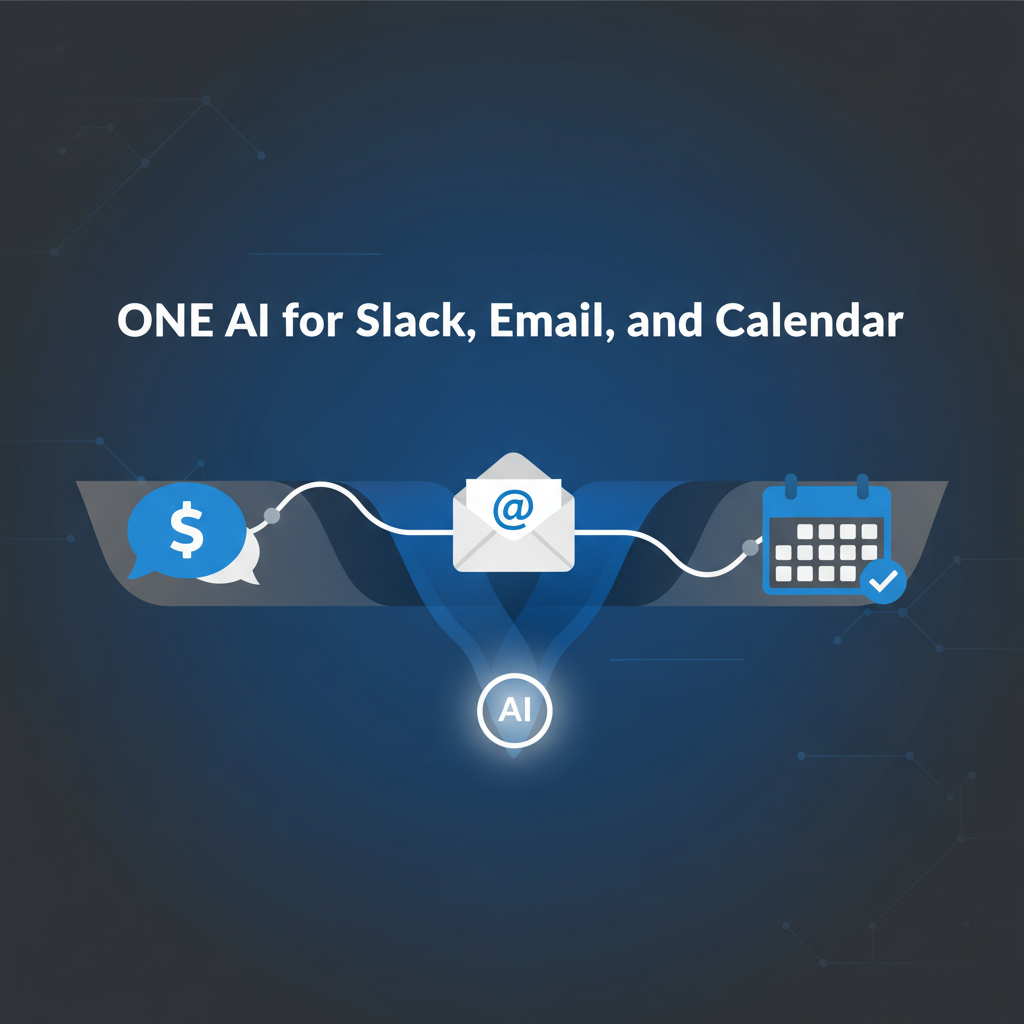
Executives live in Slack, email, and calendar at once. Using a different "AI" in each app means more context switching, duplicate queues, and no single place to approve or catch up. This guide explains why one AI assistant across all three (plus web research and browser automation) beats a stack of separate tools - and what to look for so you actually get one pane of glass.
If you use:
- An AI only in Gmail (e.g. smart compose or a Gmail add-on)
- An AI only in Slack (e.g. a bot or summarizer)
- A separate calendar or scheduling tool
- No research capabilities (you Google manually)
…you end up with:
- Four+ places to check - You still open email, then Slack, then calendar, then browser to "see what needs me" and research topics.
- No single triage - Urgent email might be in Gmail while the real deadline is in Slack; you discover that by checking both. Research happens separately in yet another tool.
- Inconsistent approval - One tool might send automatically; another might queue for approval. You don't have one approval workflow for everything.
- Fragmented briefs - You get an email summary here and a Slack digest there, but no one "here's your day and what needs action" brief.
So you're still doing the integration in your head - and losing the benefit of "AI helps me stay on top of things."
A single AI that sees Slack, email, and calendar can triage across all of them. "What needs me?" becomes one list: email threads, Slack DMs or threads, and calendar invites or changes. You process one queue instead of three apps. That's the core of inbox zero for executives when your "inbox" is really email + chat + calendar.
When the same AI drafts replies for email and Slack (and maybe other channels), every draft lands in one approval queue. You review, approve, or edit in one place. You don't have to remember "Gmail sends on its own but Slack bot needs approval" - you have a single approval-first rule and audit trail for all channels.
Daily briefs and on-demand catch-up are only useful if they're cross-channel. "Summarize my email" is half the picture; "Summarize my email + Slack + what's on my calendar today" is what you need. One AI can do that because it has one view of your cross-platform context.
Scheduling and rescheduling often happen in email and Slack ("Can we move to Tuesday?"). If your AI only sees email, it can't propose calendar moves; if it only sees calendar, it can't interpret the thread. One assistant that has calendar plus email and Slack can suggest times, resolve conflicts, and draft "I've moved the meeting to Tuesday 2pm" in one flow - all approval-first.
The best AI assistants go beyond email, Slack, and calendar - they also handle web research and browser automation in the same unified system:
- Built-in web search - When you ask "Research competitor X's pricing" or "What's the latest news on Y?", the AI searches the internet and summarizes findings - no need to switch to Google.
- Website monitoring - Track competitor pages, news mentions, product announcements automatically with approval-first alerts.
- Browser automation - Fill forms, extract data, navigate multi-step web tasks - all coordinated with your email, Slack, and calendar context.
Example: "Research tomorrow's meeting attendee" → AI searches LinkedIn, recent news, company background → includes findings in your meeting brief → all in the same tool where you manage email and calendar. No switching to a separate research tool.
This matters because executive work isn't just email/Slack/calendar - it's also "find out about X," "check competitor Y," and "extract data from Z." One AI that does all of it means one queue, one approval flow, one brief.
One product means one place to open for triage, approval, research, and briefs. You're not toggling between "Gmail AI," "Slack bot," "scheduling tool," and "browser." That reduces cognitive load and makes it more likely you'll actually use the system every day.
When we say "one AI for Slack, email, calendar, and web," we mean:
- Triage - Summarize and prioritize across email and Slack/Teams; surface what needs you and what's due.
- Draft - Replies and follow-ups for both email and chat, in your voice, queued for approval.
- Calendar - Scheduling, conflict resolution, and invites; drafts for approval so nothing is sent or updated without you.
- Web research - Search the internet, monitor websites, track competitors, extract data - all integrated with your communication context.
- Browser automation - Navigate websites, fill forms, automate repetitive web tasks with approval checkpoints.
- Brief - One daily brief (and on-demand "what did I miss?") that pulls from email, Slack, calendar, and recent research.
- Audit - Full receipts for every action across every channel and web task.
If a product only does one of these (e.g. "Slack summarizer" but no email, calendar, or research), you're still stitching things together yourself.
Under the hood, "one AI" means integrations that are unified: one agent or pipeline that reads and writes to email, Slack, calendar, and the web with the same approval and governance rules. When you add WhatsApp, Teams, or voice, the same logic should apply - one queue, one brief, one audit trail. For more on how that's built, see integration architecture for AI assistants.
One AI assistant for Slack, email, calendar, web research, and browser automation beats separate tools because you get one triage queue, one approval workflow, one brief, and one place to see and control what's happening across channels and the web. That's how you reduce context switching and actually stay on top of your day - without juggling five different "AI" products or tools. Alyna is built that way: multi-channel, web research, browser automation, approval-first, with daily briefs and calendar in one system.
Alyna is one AI for Slack, Teams, email, calendar, web research, and browser automation - one queue, one approval workflow, one brief. See how it works.